
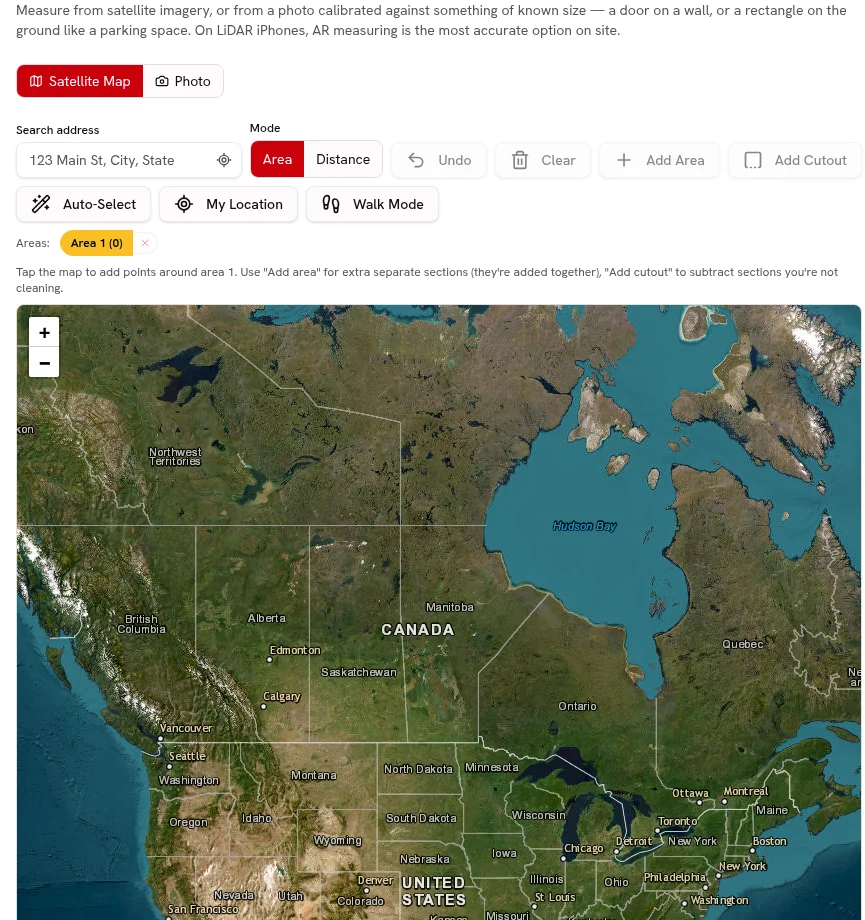
Line-item quotes
Quote interior cleaning, exterior detailing and approved polishing as separate services.
Separate services, attach photos, collect online approval and request a deposit.
Every plan

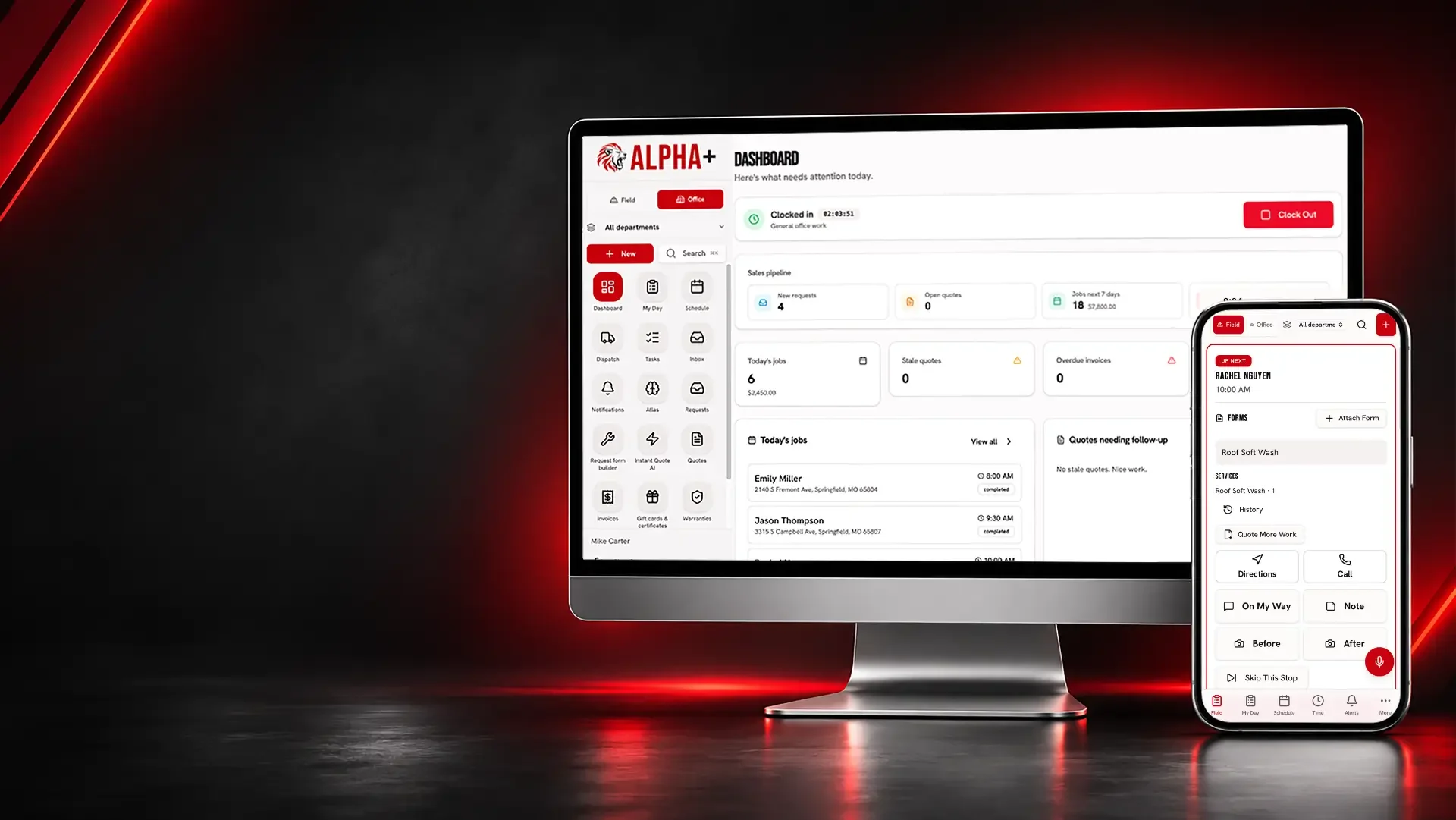
Organize interior and exterior detailing quotes, customer access notes, condition photos and payments for mobile or appointment-based work.
Interior condition, requested polishing and mobile access can change the visit. When those details are buried in a message, the technician and customer arrive with different expectations.
Auto Detailing
Explain the package and extras before the appointment.
Quote interior cleaning, exterior detailing and approved polishing as separate services.
Separate services, attach photos, collect online approval and request a deposit.
Every plan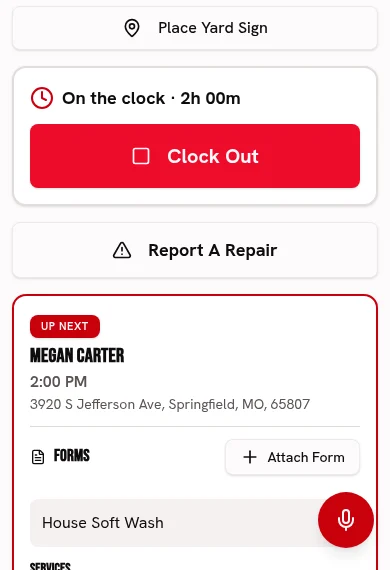
Attach vehicle-condition photos to describe the requested work, not diagnose paint thickness.
Keep before-and-after photos and checked-off work with each visit.
Every plan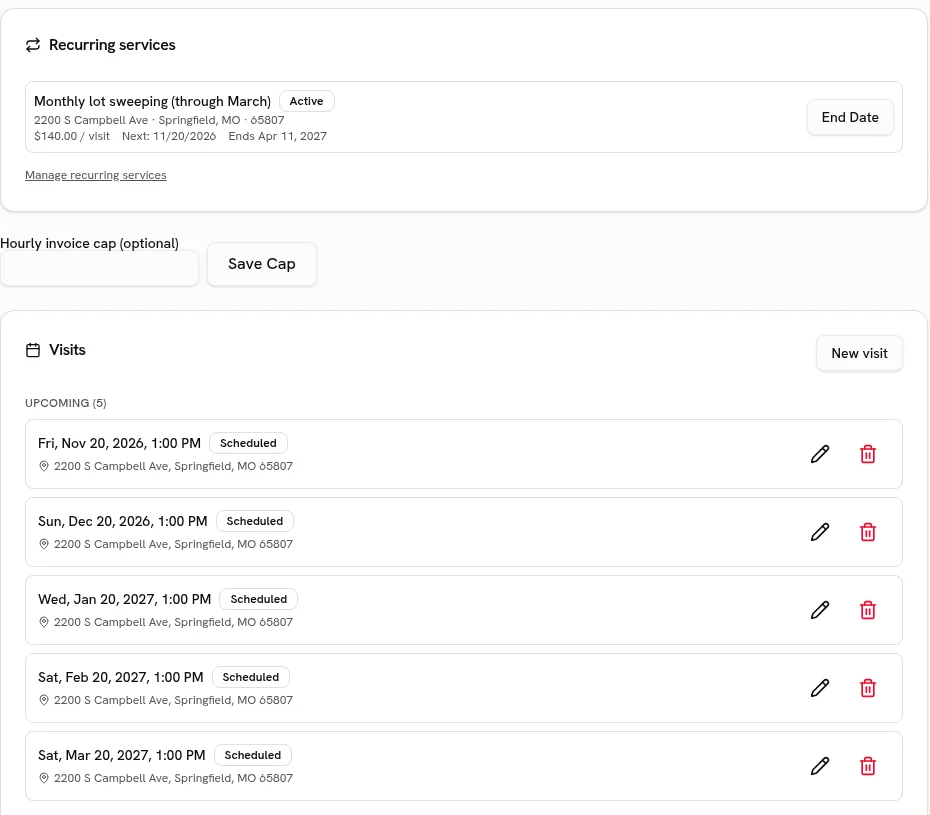
Keep the customer’s mobile service address and access instructions together.
Keep service addresses, access notes and work history attached to the customer.
Every planStart your Catalog with interior details, exterior washes and polishing; review the suggested guide ranges and confirm your own prices before quoting.
Choose from 21 trade packs with customer-friendly services, units, add-ons and relevant tool links. Suggested ranges are guides; the owner must confirm prices before quoting.
Every plan · Linked tools retain their plan requirementsBring in detail packages and vehicle-service prices from CSV or Excel, preview the column matches and avoid creating duplicate services.
Preview and match service-list columns, including Jobber and Housecall Pro exports. Avoid duplicate services and confirm your prices before quoting.
Every planAuto Detailing
Let your finished details show what your business offers.
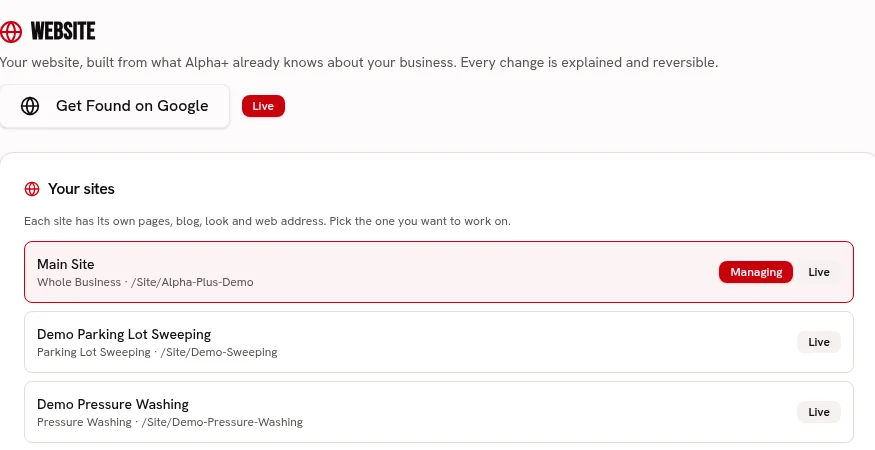
Build interior and exterior detailing service pages in your own branding.
Build service pages with your logo, colors, fonts, job photos and voice.
Every planUse real finished-vehicle photos with the customer’s permission.
Keep before-and-after photos and checked-off work with each visit.
Every planFind a returning customer’s prior detailing jobs before discussing the next package.
Keep service addresses, access notes and work history attached to the customer.
Every planAuto Detailing
Give the technician a clear appointment record.
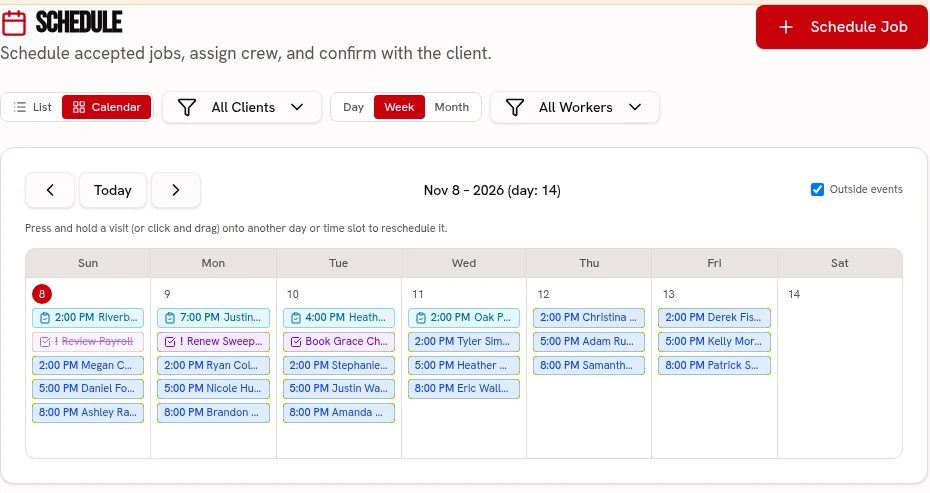
Schedule detailing visits and assign crews and trucks on Crew or Fleet.
Keep visits on one calendar, with crew and truck assignments on the dispatch board.
Scheduling: every plan · Dispatch: Crew & FleetKeep a visit checklist and before-and-after condition photos with the job.
Keep before-and-after photos and checked-off work with each visit.
Every planOrganize repeat detailing service dates where the customer agrees to maintenance visits.
Keep repeat services, property addresses and upcoming visits together.
Every planDecode a VIN, keep size and condition photos with the vehicle, and use size-specific detail prices and durations with linked service history.
Keep VIN-decoded vehicle details, photos and linked work history. Set Catalog prices and service durations by vehicle size, with recurring service and warranty links.
Every planReserve the available shop bay for the full detail duration or record water and power access for a mobile appointment.
Reserve configured shop lanes without exceeding bay capacity, show open booking times, and keep mobile water and power notes with the service location.
Every planAuto Detailing
See what remains after supplies and the time-intensive extras.
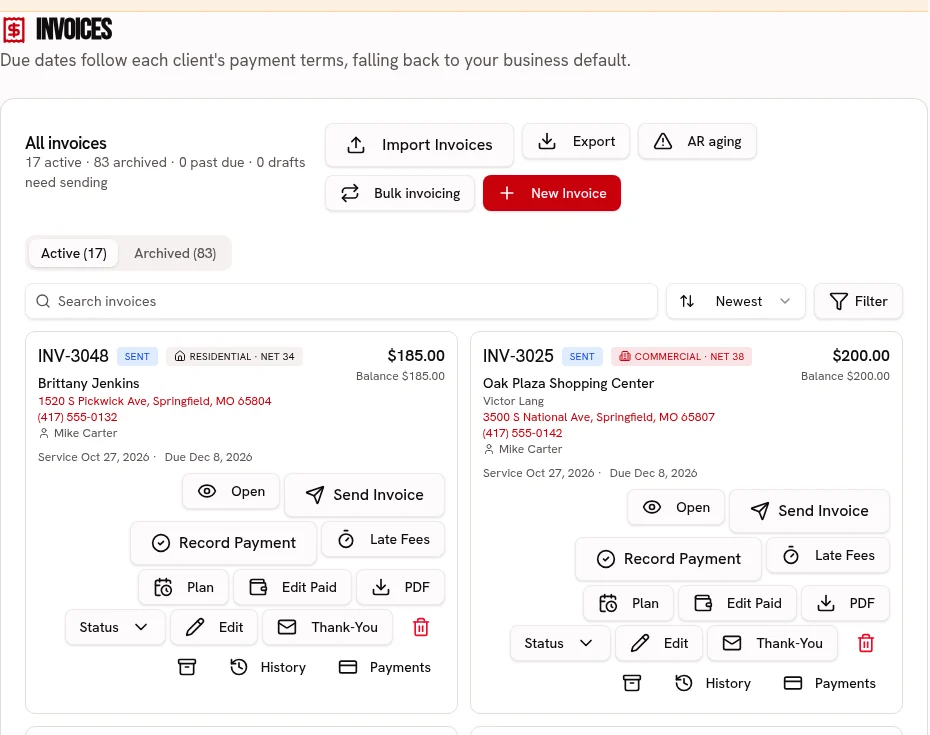
Invoice the accepted detailing package with an online card or ACH payment link.
Send an invoice link, accept card or ACH, and record cash or checks.
Every plan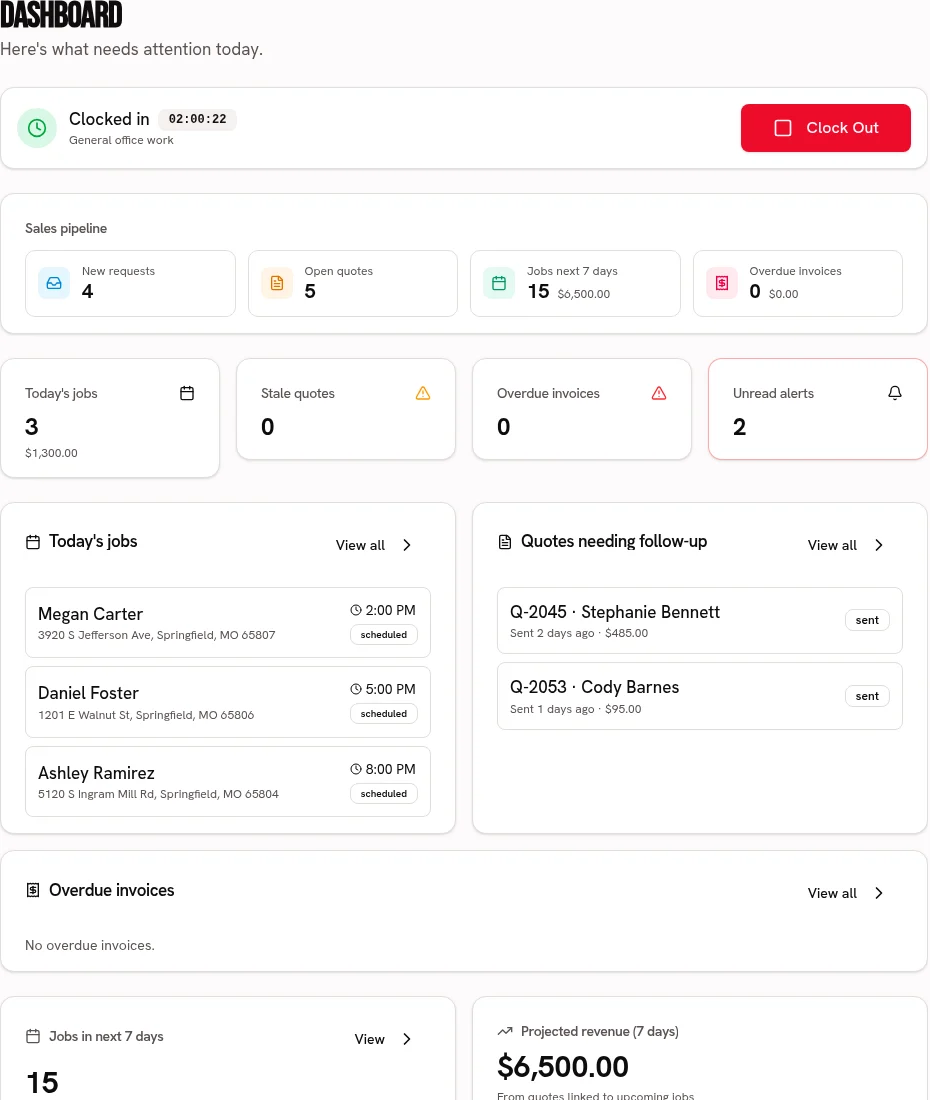
Record supplies and other job costs for a profit comparison.
Compare job revenue with recorded labor, materials and expenses.
Every plan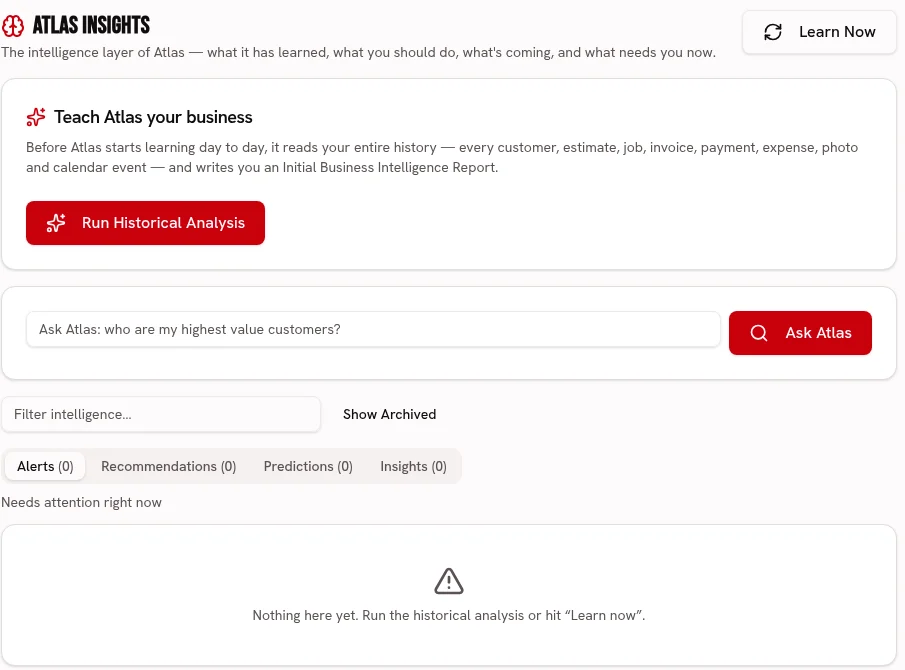
Ask Atlas about recorded detailing revenue and expenses, not coating performance.
Ask about your business and review recommendations grounded in your business records.
FleetUse the editable auto paint-condition template with scored observations and failure photos on Crew or Fleet; it does not measure paint thickness.
Use weighted pass/fail or 1–5 ratings, require a photo and note for failures, and share branded signed reports. Editable templates, repeat schedules and history are included.
Crew & Fleet · Atlas trends: FleetCalculate your own detailing-product dilutions from strengths and saved recipes, always following the product label.
Calculate dilution using your products, strengths and saved recipes. Always follow the product label; warnings do not replace safe handling.
Every planDecode a VIN, keep size and condition photos with the vehicle, and use size-specific detail prices and durations with linked service history.
Every plan
Reserve the available shop bay for the full detail duration or record water and power access for a mobile appointment.
Every plan
Use the editable auto paint-condition template with scored observations and failure photos on Crew or Fleet; it does not measure paint thickness.
Crew & Fleet · Atlas trends: Fleet
Calculate your own detailing-product dilutions from strengths and saved recipes, always following the product label.
Every plan
Build a price-ready service list for interior details, exterior washes and polishing, with the owner approving every imported price.
Every plan · Linked tools retain their plan requirements
Start your 30 day free trial, or try Alpha+ for yourself.