
Line-item quotes
Separate a diagnostic visit, the proposed repair and replacement labor into clear quote lines.
Separate services, attach photos, collect online approval and request a deposit.
Every plan

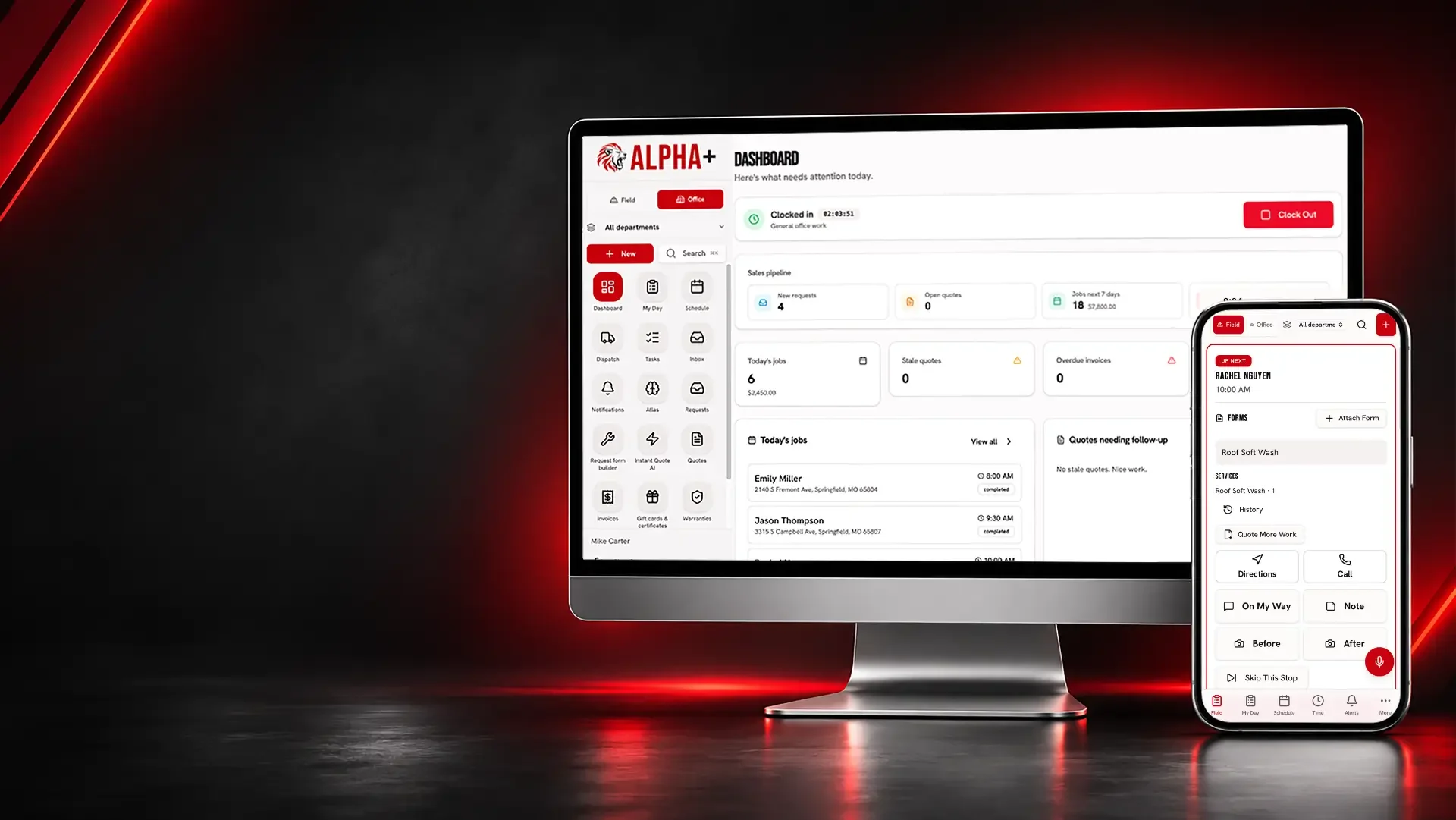
Bring tune-up appointments, replacement estimates, equipment photos and customer payments into one record for your heating and cooling business.
A technician finds a worn component while the office is booking tomorrow’s tune-ups. Without a clear quote and visit record, the recommendation gets lost between the truck and the desk.
HVAC
Explain the replacement before asking for a signature.
Separate a diagnostic visit, the proposed repair and replacement labor into clear quote lines.
Separate services, attach photos, collect online approval and request a deposit.
Every plan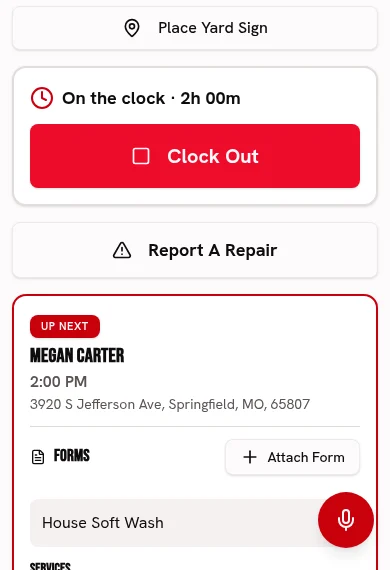
Attach unit and access photos so the proposed work has context.
Keep before-and-after photos and checked-off work with each visit.
Every plan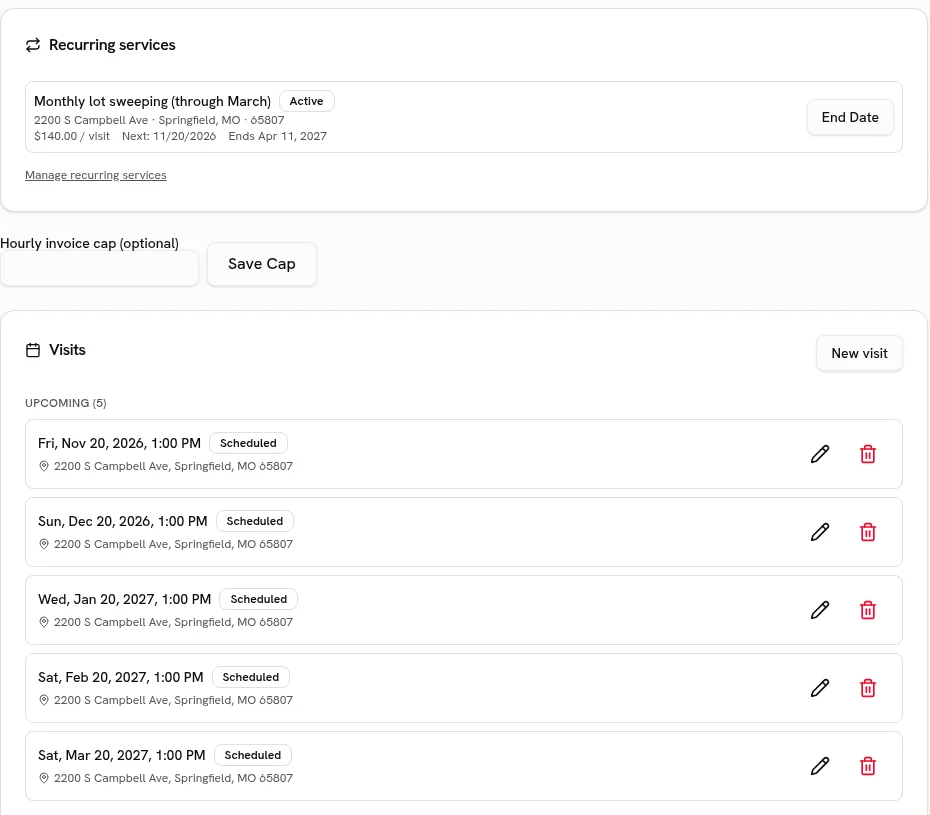
Keep service addresses and prior HVAC job history with the customer.
Keep service addresses, access notes and work history attached to the customer.
Every planStart your Catalog with diagnostic calls, tune-ups and replacement labor; review the suggested guide ranges and confirm your own prices before quoting.
Choose from 21 trade packs with customer-friendly services, units, add-ons and relevant tool links. Suggested ranges are guides; the owner must confirm prices before quoting.
Every plan · Linked tools retain their plan requirementsBring in heating and cooling service lists from CSV or Excel, preview the column matches and avoid creating duplicate services.
Preview and match service-list columns, including Jobber and Housecall Pro exports. Avoid duplicate services and confirm your prices before quoting.
Every planHVAC
Give homeowners a clear picture of the services you offer.
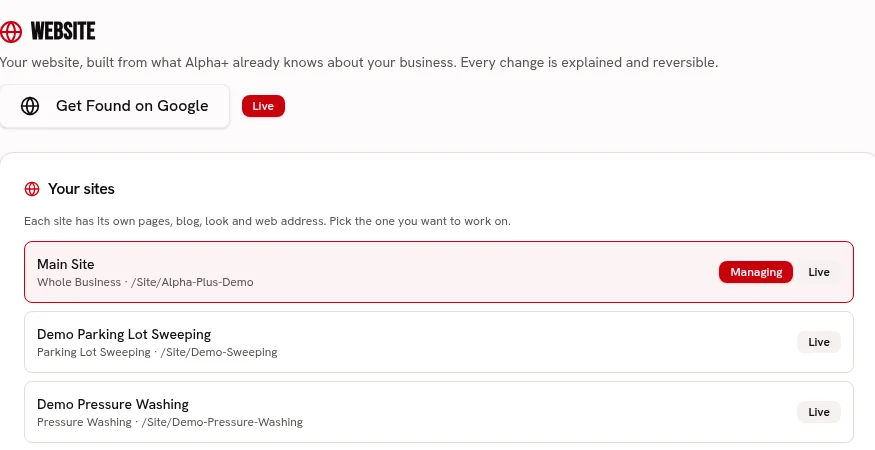
Publish pages for heating repairs, cooling service and seasonal tune-ups in your own brand.
Build service pages with your logo, colors, fonts, job photos and voice.
Every planUse real installation photos to show the finish of your work, without making efficiency guarantees.
Keep before-and-after photos and checked-off work with each visit.
Every planFind the previous service record when a homeowner returns with another question.
Keep service addresses, access notes and work history attached to the customer.
Every planHVAC
Keep tune-up days from turning into a pile of callback notes.
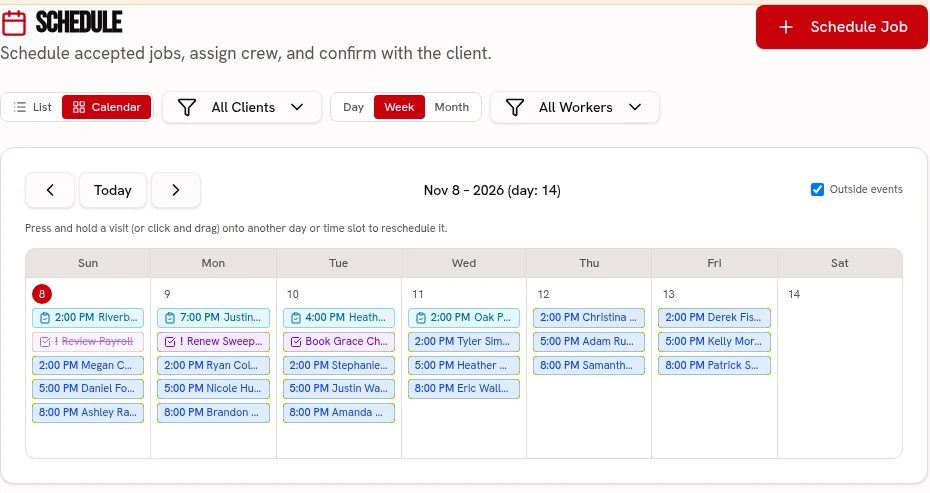
Put scheduled calls on the calendar and assign technicians and trucks on Crew or Fleet.
Keep visits on one calendar, with crew and truck assignments on the dispatch board.
Scheduling: every plan · Dispatch: Crew & FleetStore unit-condition photos and the visit checklist with the service call.
Keep before-and-after photos and checked-off work with each visit.
Every planOrganize agreed seasonal maintenance visits through recurring plans.
Keep repeat services, property addresses and upcoming visits together.
Every planKeep refrigerant added or recovered with the HVAC visit in permanent application records; this does not size equipment or calculate its charge.
Keep permanent visit application records with append-only notes. Actual use deducts stock and records job cost once; client notices are optional.
Every planAdapt a scored checklist for your tune-up observations and photo-backed follow-ups on Crew or Fleet; technical diagnosis stays with the technician.
Use weighted pass/fail or 1–5 ratings, require a photo and note for failures, and share branded signed reports. Editable templates, repeat schedules and history are included.
Crew & Fleet · Atlas trends: FleetHVAC
Know what the repair earned after the parts were paid for.
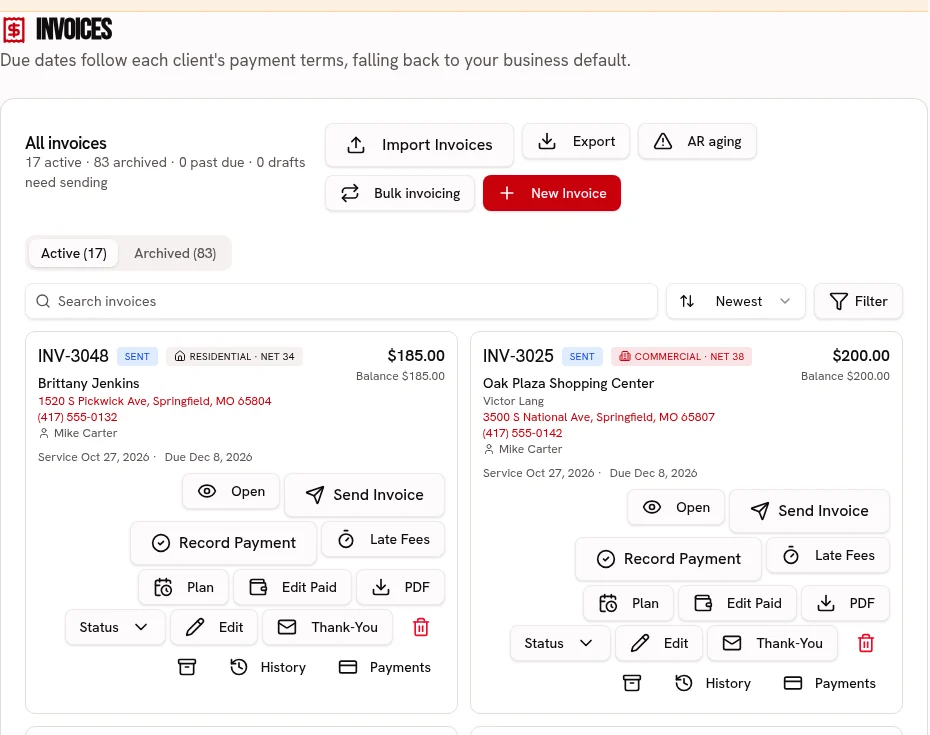
Invoice the approved service and let the customer pay by card or ACH.
Send an invoice link, accept card or ACH, and record cash or checks.
Every plan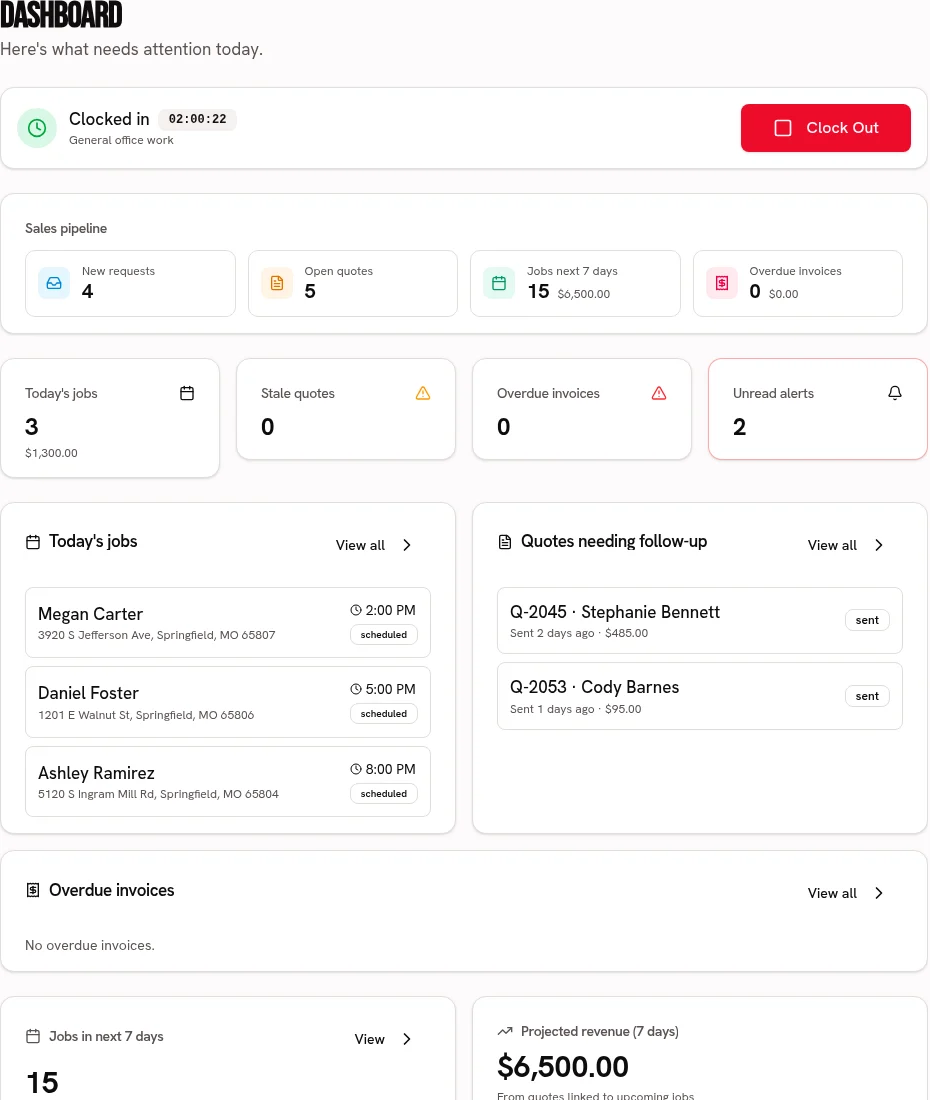
Record parts, materials and expenses before comparing the job’s revenue and costs.
Compare job revenue with recorded labor, materials and expenses.
Every plan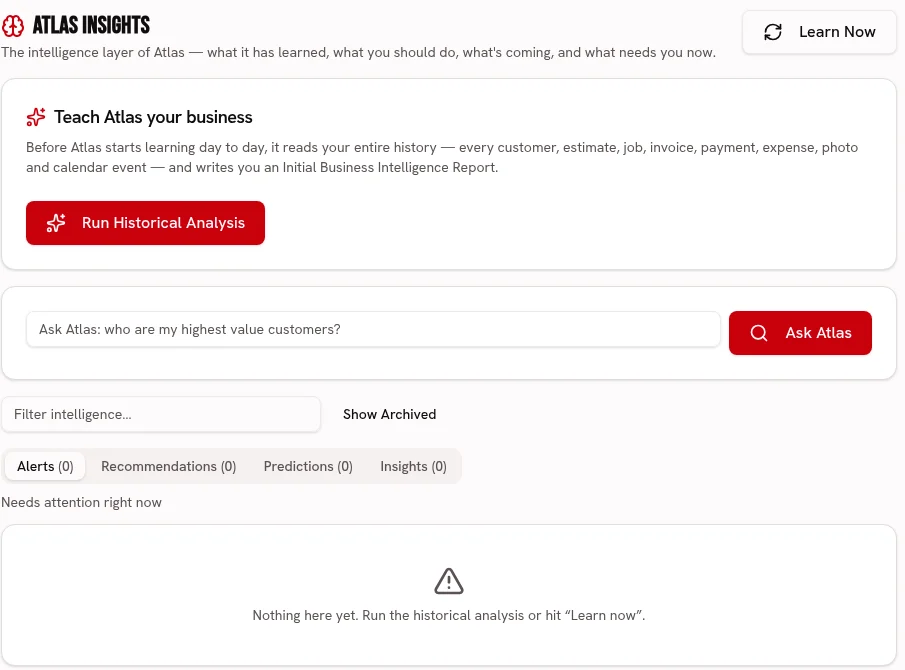
Ask Atlas to review recorded HVAC job results; it is not an equipment diagnostic tool.
Ask about your business and review recommendations grounded in your business records.
FleetKeep refrigerant added or recovered with the HVAC visit in permanent application records; this does not size equipment or calculate its charge.
Every plan
Adapt a scored checklist for your tune-up observations and photo-backed follow-ups on Crew or Fleet; technical diagnosis stays with the technician.
Crew & Fleet · Atlas trends: Fleet
Build a price-ready service list for diagnostic calls, tune-ups and replacement labor, with the owner approving every imported price.
Every plan · Linked tools retain their plan requirements
Start your 30 day free trial, or try Alpha+ for yourself.