
Line-item quotes
Quote panel work, lighting and outlet installation on separate service lines.
Separate services, attach photos, collect online approval and request a deposit.
Every plan

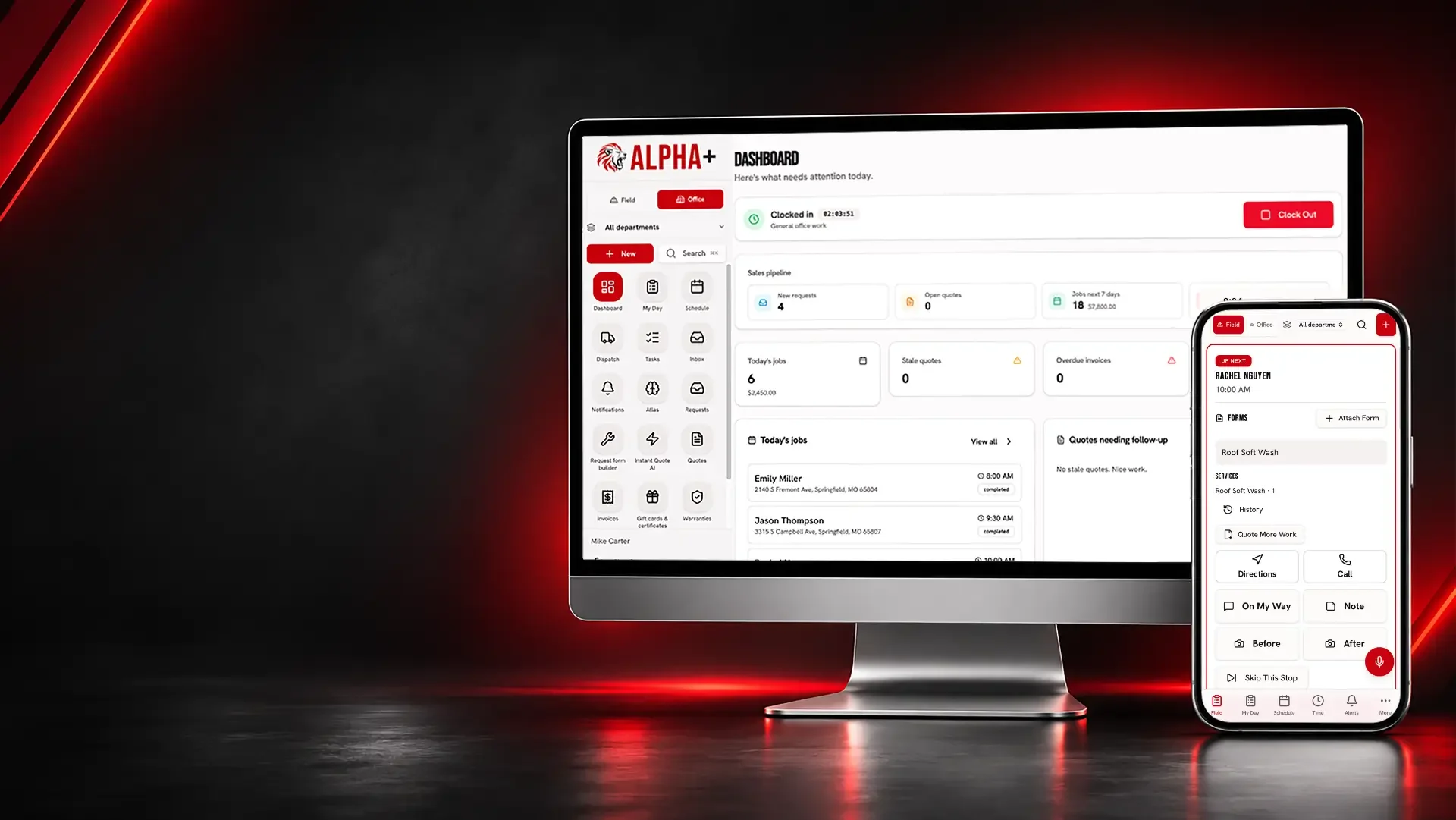
Organize electrical estimates, site notes, installation dates and invoices for service calls and small projects without confusing the job record with the design.
A panel upgrade, new fixtures and extra outlets need their own scope. When the office has only a verbal price, the electrician cannot tell what the customer actually accepted.
Electrical
Show exactly which electrical work the customer is buying.
Quote panel work, lighting and outlet installation on separate service lines.
Separate services, attach photos, collect online approval and request a deposit.
Every plan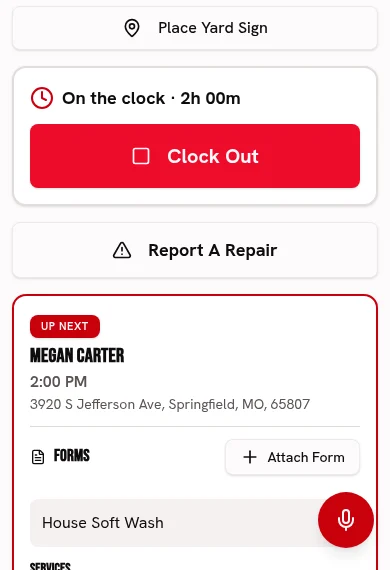
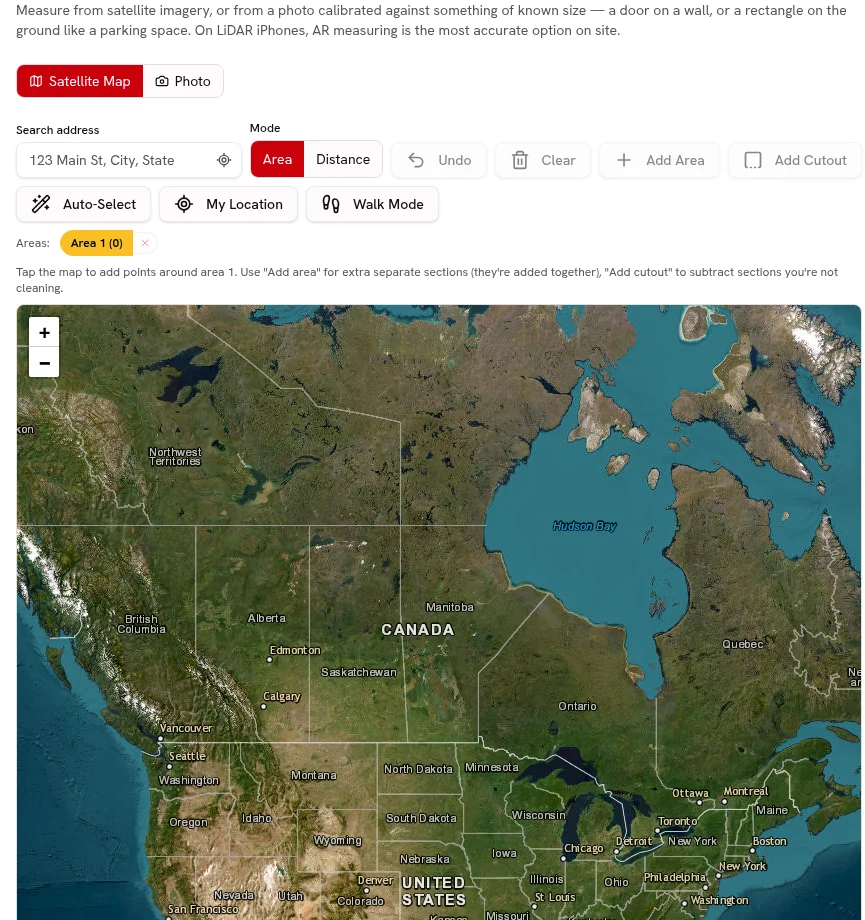
Attach existing-panel and work-area photos to explain the proposed scope.
Keep before-and-after photos and checked-off work with each visit.
Every plan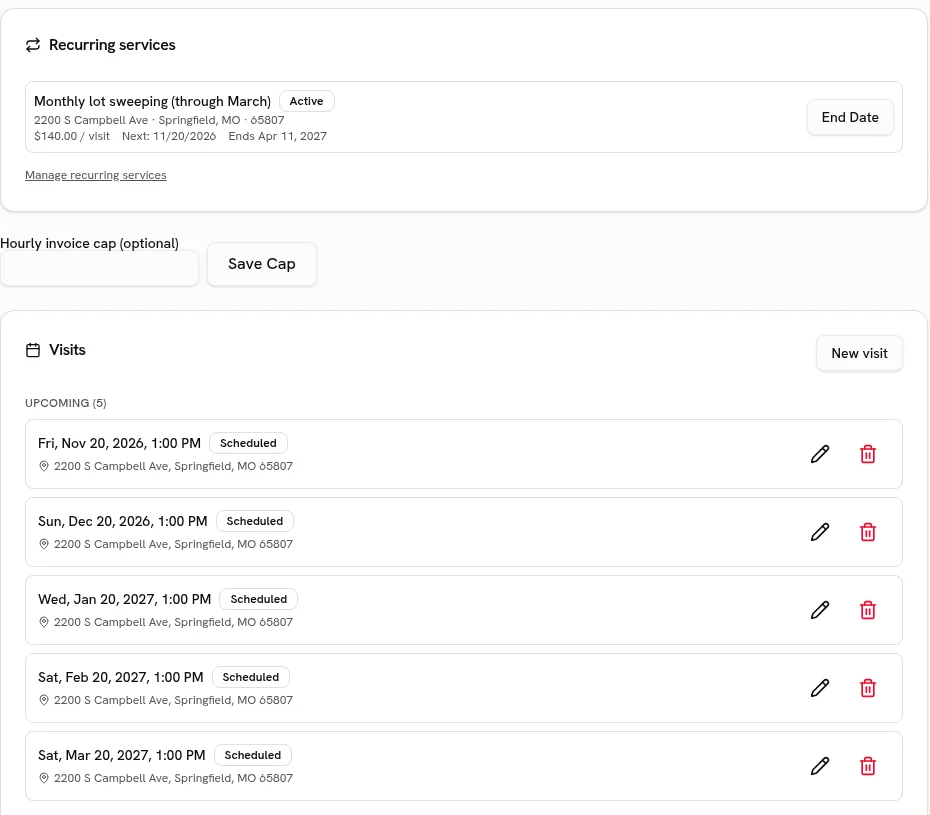
Keep property access and previous service history available for a repeat call.
Keep service addresses, access notes and work history attached to the customer.
Every planStart your Catalog with outlet work, lighting and panel services; review the suggested guide ranges and confirm your own prices before quoting.
Choose from 21 trade packs with customer-friendly services, units, add-ons and relevant tool links. Suggested ranges are guides; the owner must confirm prices before quoting.
Every plan · Linked tools retain their plan requirementsBring in electrical service descriptions and pricing units from CSV or Excel, preview the column matches and avoid creating duplicate services.
Preview and match service-list columns, including Jobber and Housecall Pro exports. Avoid duplicate services and confirm your prices before quoting.
Every planElectrical
Present your service specialties without promising an engineering result.
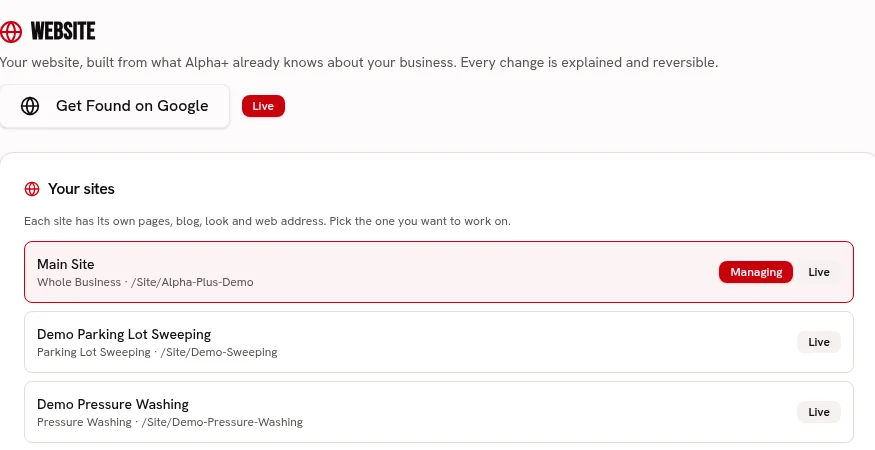
Create branded pages for lighting, service upgrades and electrical repairs.
Build service pages with your logo, colors, fonts, job photos and voice.
Every planUse photos of finished installations to show workmanship, not certify code compliance.
Keep before-and-after photos and checked-off work with each visit.
Every planKeep commercial contacts and their service locations attached to the client record.
Keep service addresses, access notes and work history attached to the customer.
Every planElectrical
Make the installation day easier to coordinate.
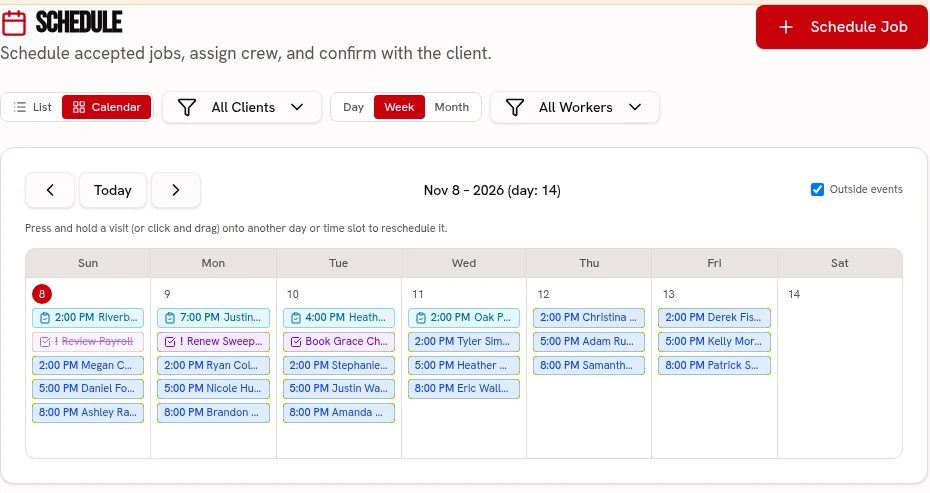
Place electrical visits on the calendar and assign the crew and truck on Crew or Fleet.
Keep visits on one calendar, with crew and truck assignments on the dispatch board.
Scheduling: every plan · Dispatch: Crew & FleetUse a job checklist and installation photos as a work record.
Keep before-and-after photos and checked-off work with each visit.
Every planSchedule repeat maintenance visits only where the customer has agreed to the service.
Keep repeat services, property addresses and upcoming visits together.
Every planAdapt a scored installation checklist for your own checks and photo-backed issues on Crew or Fleet; it does not certify electrical safety.
Use weighted pass/fail or 1–5 ratings, require a photo and note for failures, and share branded signed reports. Editable templates, repeat schedules and history are included.
Crew & Fleet · Atlas trends: FleetElectrical
Compare the installation price with what you actually spent.
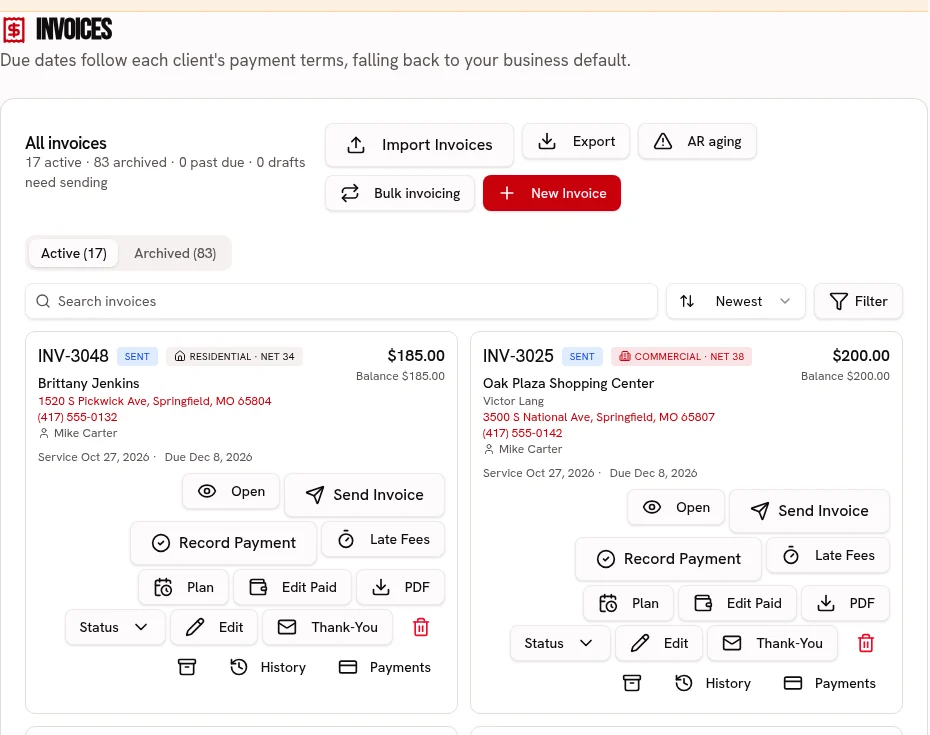
Invoice accepted electrical services with clearly named line items.
Send an invoice link, accept card or ACH, and record cash or checks.
Every plan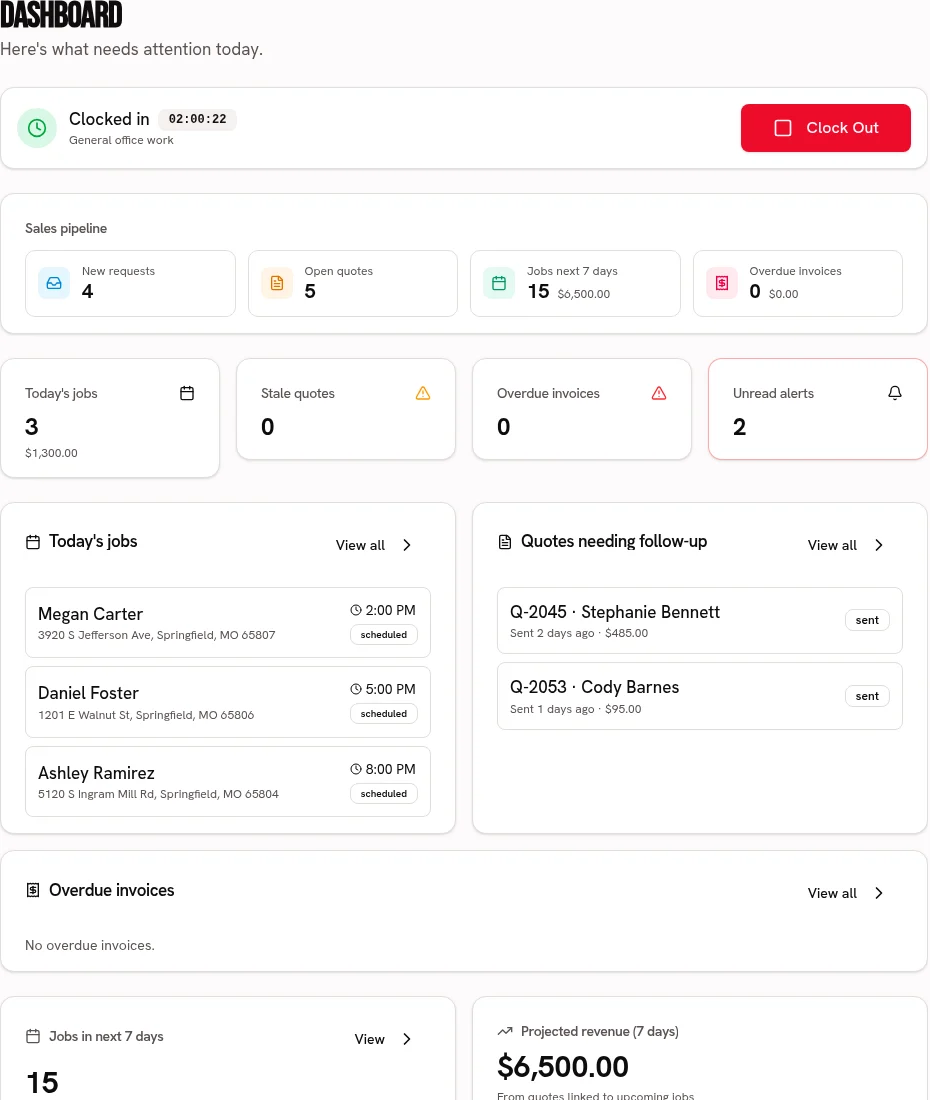
Record cable, fixtures, rentals and expenses against the job.
Compare job revenue with recorded labor, materials and expenses.
Every plan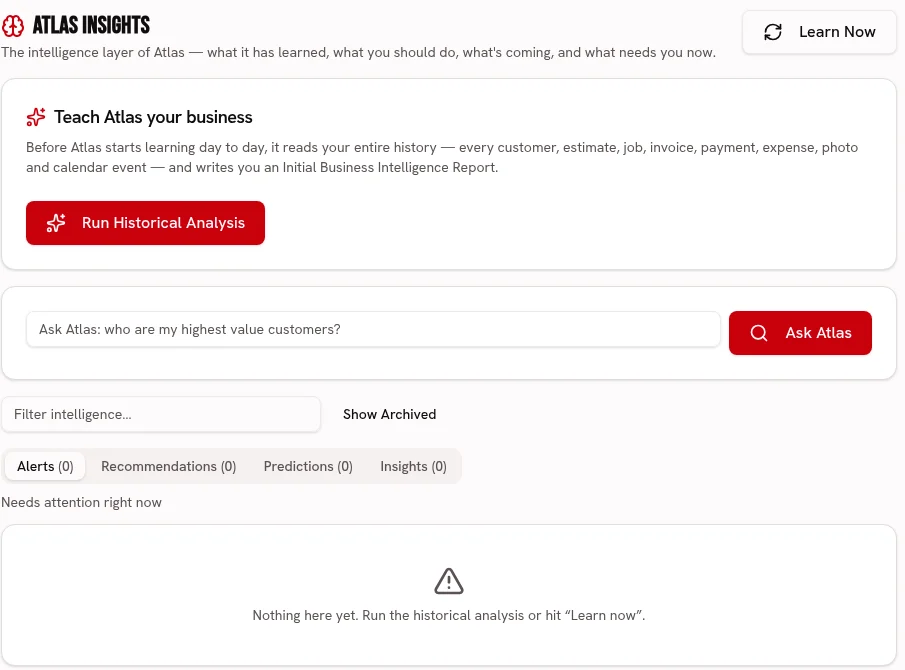
Ask Atlas to review recorded electrical job margins rather than design a circuit.
Ask about your business and review recommendations grounded in your business records.
FleetPresent lighting and fixture choices against the agreed allowance and collect a signed selection before ordering the approved option.
Show allowance budgets and finish options with photos, prices, supplier links and deadlines. Clients sign in the portal; overages or credits follow scope approval and approved choices stay locked.
Every planAdapt a scored installation checklist for your own checks and photo-backed issues on Crew or Fleet; it does not certify electrical safety.
Crew & Fleet · Atlas trends: Fleet
Present lighting and fixture choices against the agreed allowance and collect a signed selection before ordering the approved option.
Every plan
Build a price-ready service list for outlet work, lighting and panel services, with the owner approving every imported price.
Every plan · Linked tools retain their plan requirements
Start your 30 day free trial, or try Alpha+ for yourself.