
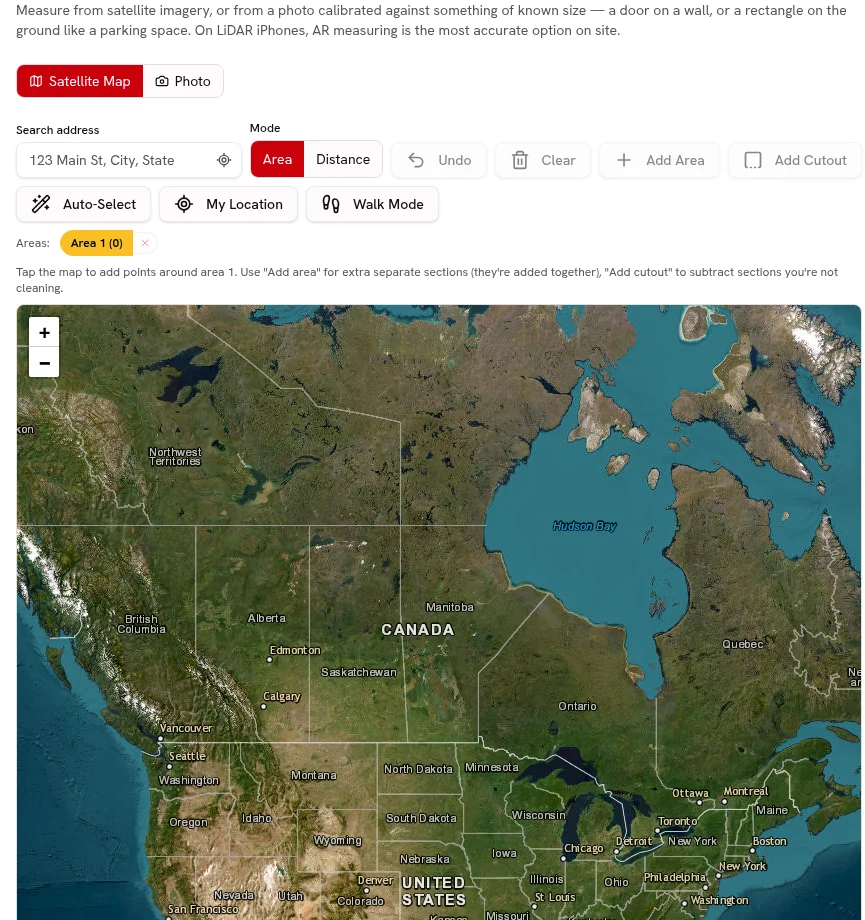
Line-item quotes
Separate demolition, installation and finishing services with your own pricing.
Separate services, attach photos, collect online approval and request a deposit.
Every plan

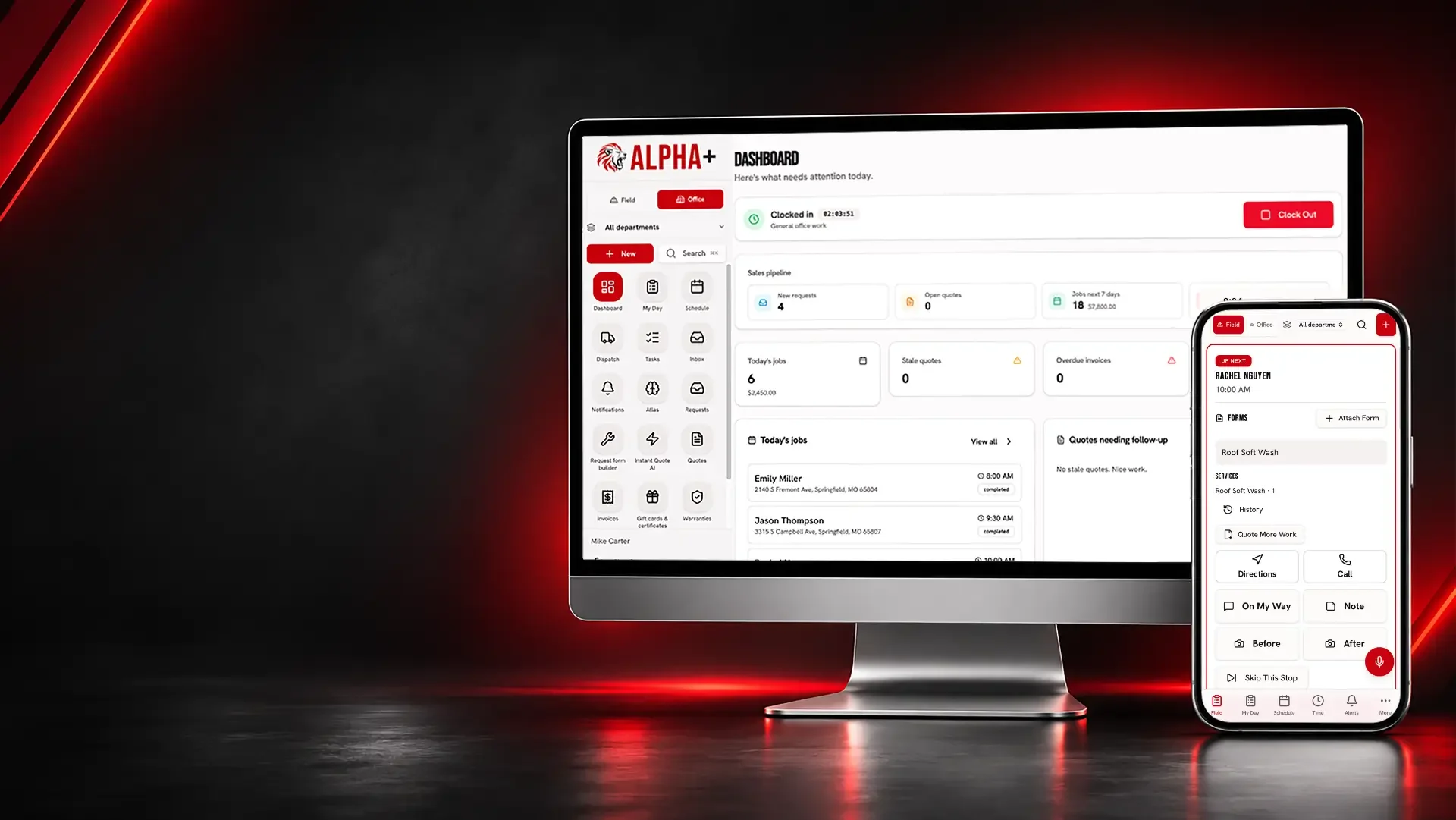
Keep renovation allowances, signed finish selections, category budgets, cost-to-complete projections and milestone invoices alongside the accepted scope.
A room refresh can expand into flooring, painting and additional repairs. Separately described services and customer approval help distinguish the agreed project from the next suggestion.
Remodeling and Renovations
Put the proposed room work into a reviewable estimate.
Separate demolition, installation and finishing services with your own pricing.
Separate services, attach photos, collect online approval and request a deposit.
Every plan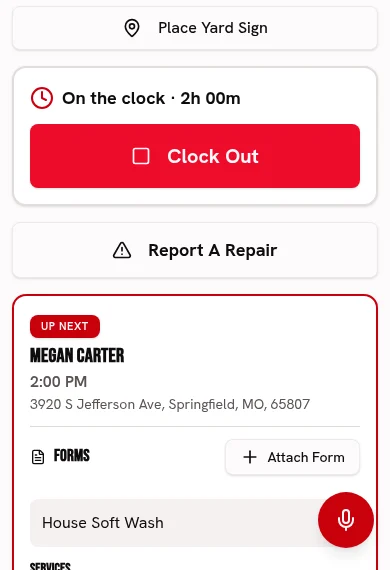
Attach existing-condition photos to explain the area being renovated.
Keep before-and-after photos and checked-off work with each visit.
Every plan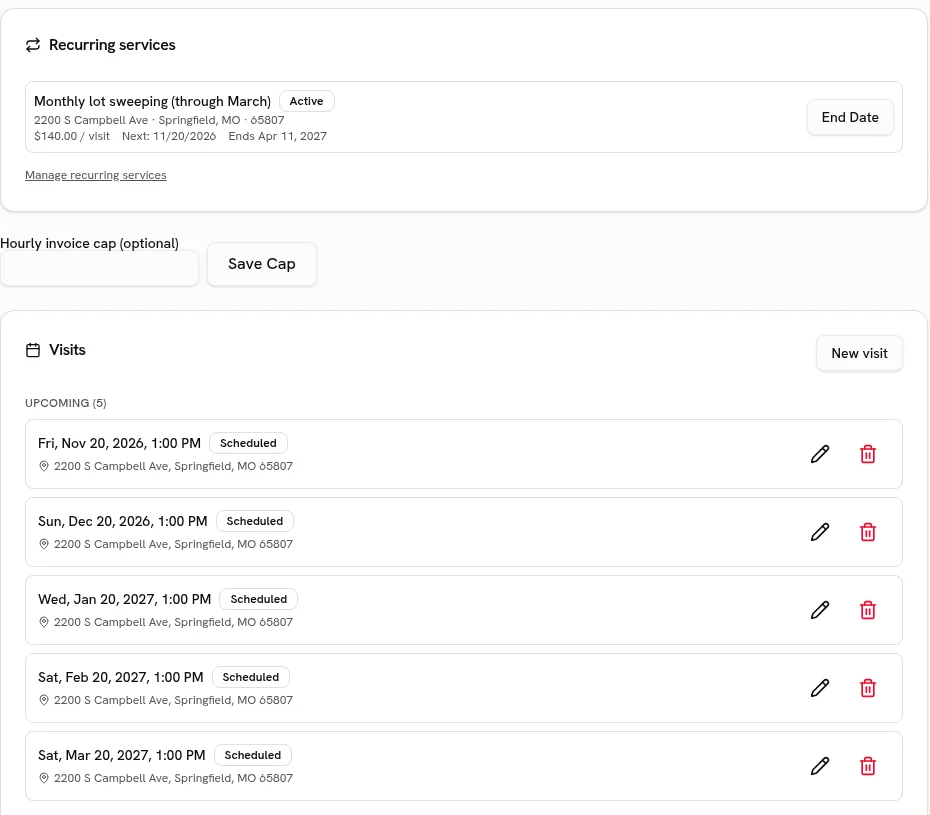
Keep the property’s previous work and access notes with the homeowner.
Keep service addresses, access notes and work history attached to the customer.
Every planStart your Catalog with demolition, cabinetry, tile and finishing; review the suggested guide ranges and confirm your own prices before quoting.
Choose from 21 trade packs with customer-friendly services, units, add-ons and relevant tool links. Suggested ranges are guides; the owner must confirm prices before quoting.
Every plan · Linked tools retain their plan requirementsBring in renovation services and allowance items from CSV or Excel, preview the column matches and avoid creating duplicate services.
Preview and match service-list columns, including Jobber and Housecall Pro exports. Avoid duplicate services and confirm your prices before quoting.
Every planRemodeling and Renovations
Show completed spaces in your business’s own voice.
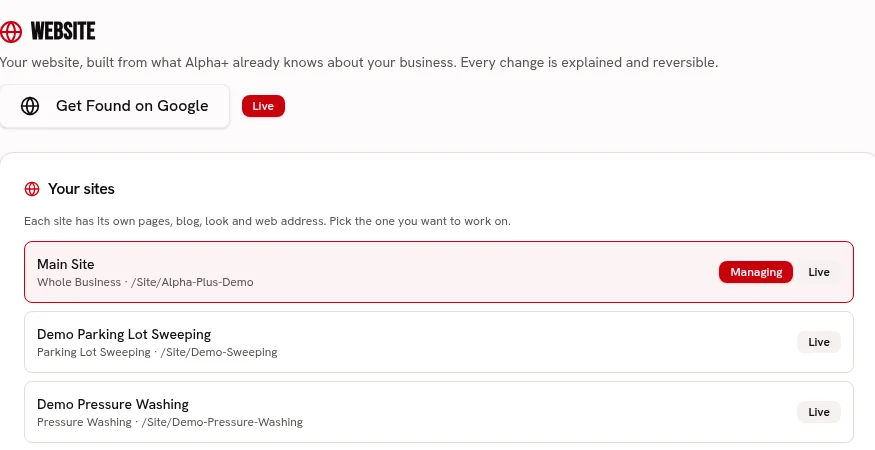
Build branded service pages for the renovation work you offer.
Build service pages with your logo, colors, fonts, job photos and voice.
Every planUse your real finished-room photos to show the result of past jobs.
Keep before-and-after photos and checked-off work with each visit.
Every planKeep repeat homeowners’ prior scopes together before discussing another room.
Keep service addresses, access notes and work history attached to the customer.
Every planRemodeling and Renovations
Coordinate agreed site visits without losing the room details.
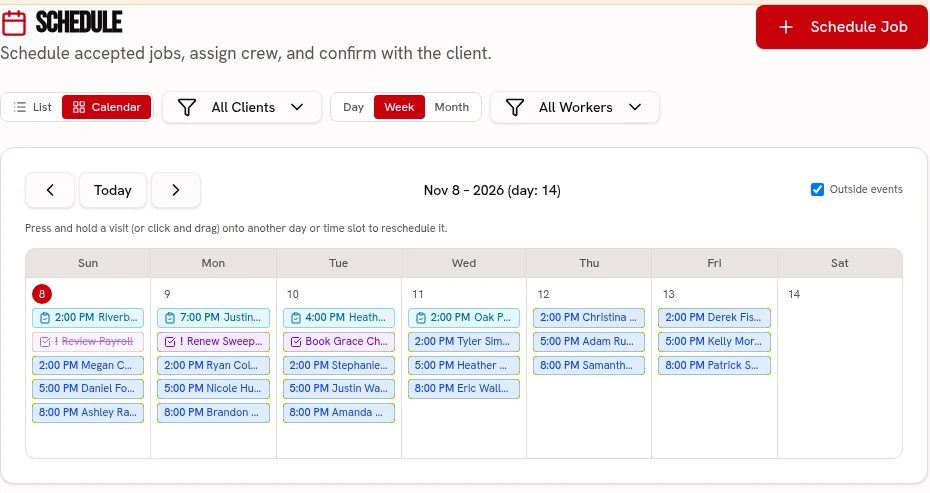
Place renovation visits on the calendar and assign crews on Crew or Fleet.
Keep visits on one calendar, with crew and truck assignments on the dispatch board.
Scheduling: every plan · Dispatch: Crew & FleetKeep visit checklists and progress photos with the job record.
Keep before-and-after photos and checked-off work with each visit.
Every planStore access instructions for occupied properties with the client.
Keep service addresses, access notes and work history attached to the customer.
Every planGive tile, cabinets and countertops deadlines and photographed options; disclose allowance overages or credits before the client’s portal signature locks the choice.
Show allowance budgets and finish options with photos, prices, supplier links and deadlines. Clients sign in the portal; overages or credits follow scope approval and approved choices stay locked.
Every planCapture existing room damage with the signed pre-job walkthrough and create photo-backed follow-ups on Crew or Fleet.
Use weighted pass/fail or 1–5 ratings, require a photo and note for failures, and share branded signed reports. Editable templates, repeat schedules and history are included.
Crew & Fleet · Atlas trends: FleetRemodeling and Renovations
Follow the costs, not just the headline estimate.
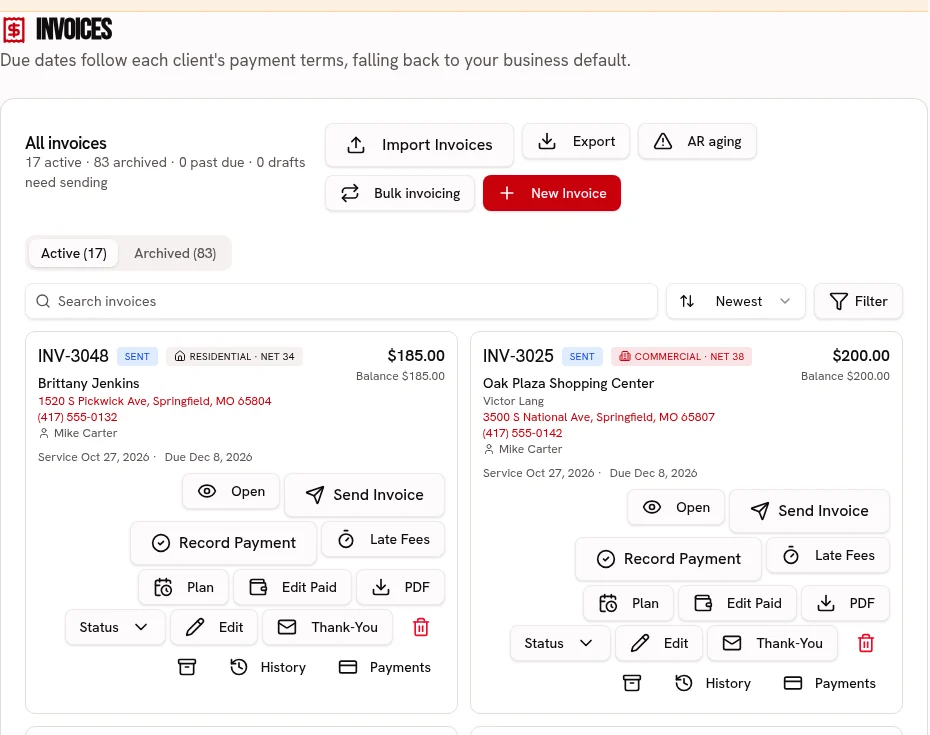
Invoice approved renovation services with explicit line items and a payment link.
Send an invoice link, accept card or ACH, and record cash or checks.
Every plan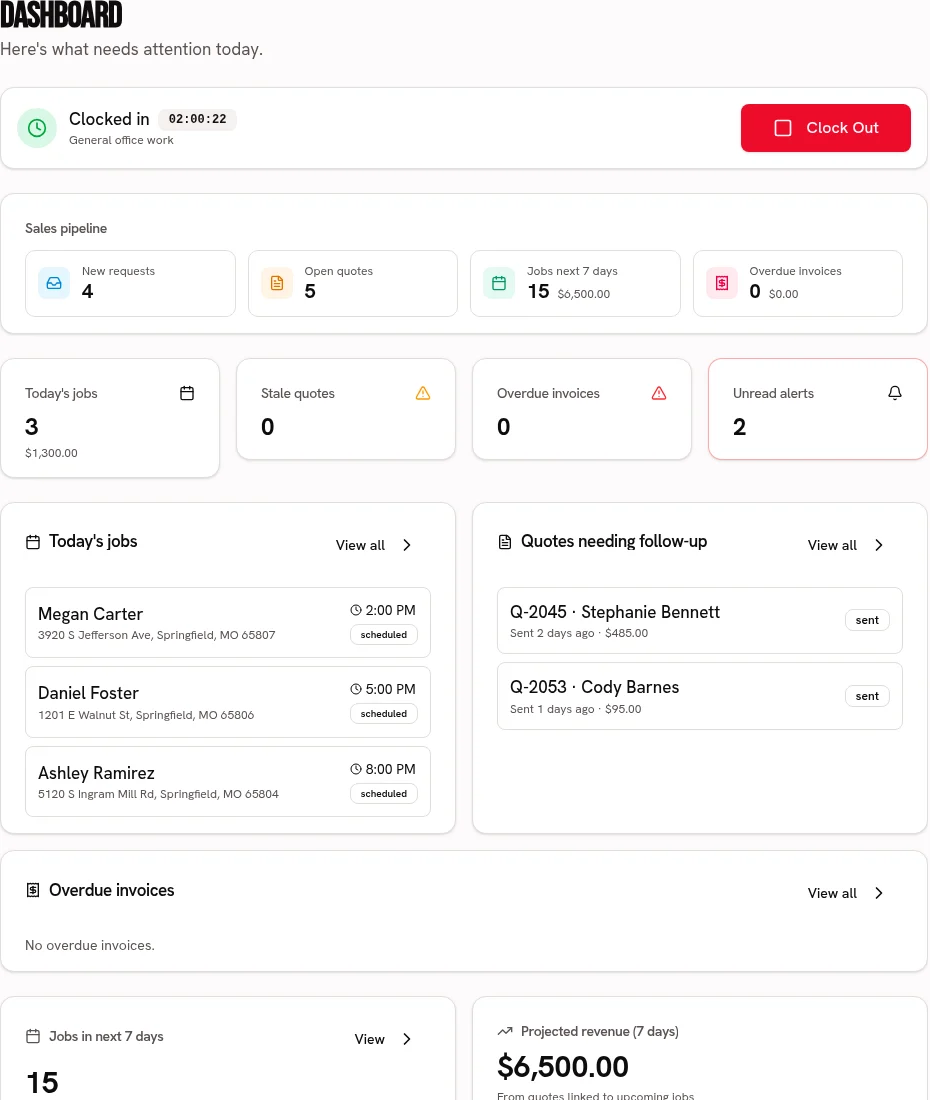
Record materials, rentals and other job expenses to review the margin.
Compare job revenue with recorded labor, materials and expenses.
Every plan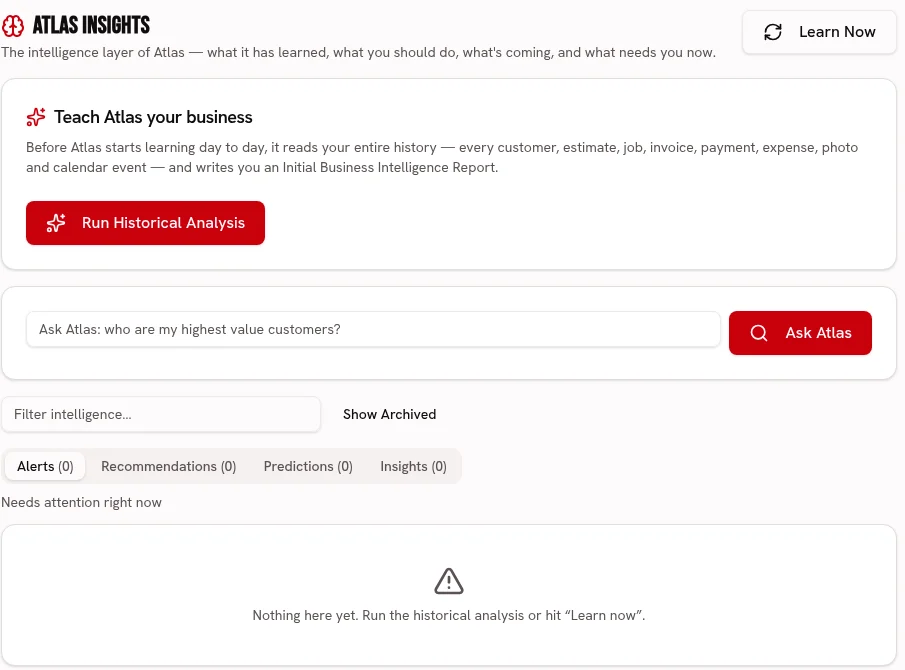
On Fleet, ask Atlas to flag projected budget overruns and overdue finish choices from your recorded renovation data.
Ask about your business and review recommendations grounded in your business records.
FleetTrack labor, materials, subcontractors and other spending against the renovation budget, with projected final cost and profit from owner-set completion.
Compare labor, materials, subcontractor and other budgets with recorded actual costs. Owner-set completion drives projected cost and profit, with category over-budget warnings.
Every plan · Atlas early warnings: FleetSet deposit, rough-in and final payments, invoice reached milestones, and reconcile billed and paid amounts with approved change orders.
Set deposit, milestone and final payments on the quote. Create each milestone invoice when reached and track billed and paid amounts against approved contract changes.
Every planGive tile, cabinets and countertops deadlines and photographed options; disclose allowance overages or credits before the client’s portal signature locks the choice.
Every plan
Capture existing room damage with the signed pre-job walkthrough and create photo-backed follow-ups on Crew or Fleet.
Crew & Fleet · Atlas trends: Fleet
Track labor, materials, subcontractors and other spending against the renovation budget, with projected final cost and profit from owner-set completion.
Every plan · Atlas early warnings: Fleet
Set deposit, rough-in and final payments, invoice reached milestones, and reconcile billed and paid amounts with approved change orders.
Every plan
Build a price-ready service list for demolition, cabinetry, tile and finishing, with the owner approving every imported price.
Every plan · Linked tools retain their plan requirements
Start your 30 day free trial, or try Alpha+ for yourself.