
Line-item quotes
Quote site preparation, installation and cleanup as separately described services.
Separate services, attach photos, collect online approval and request a deposit.
Every plan

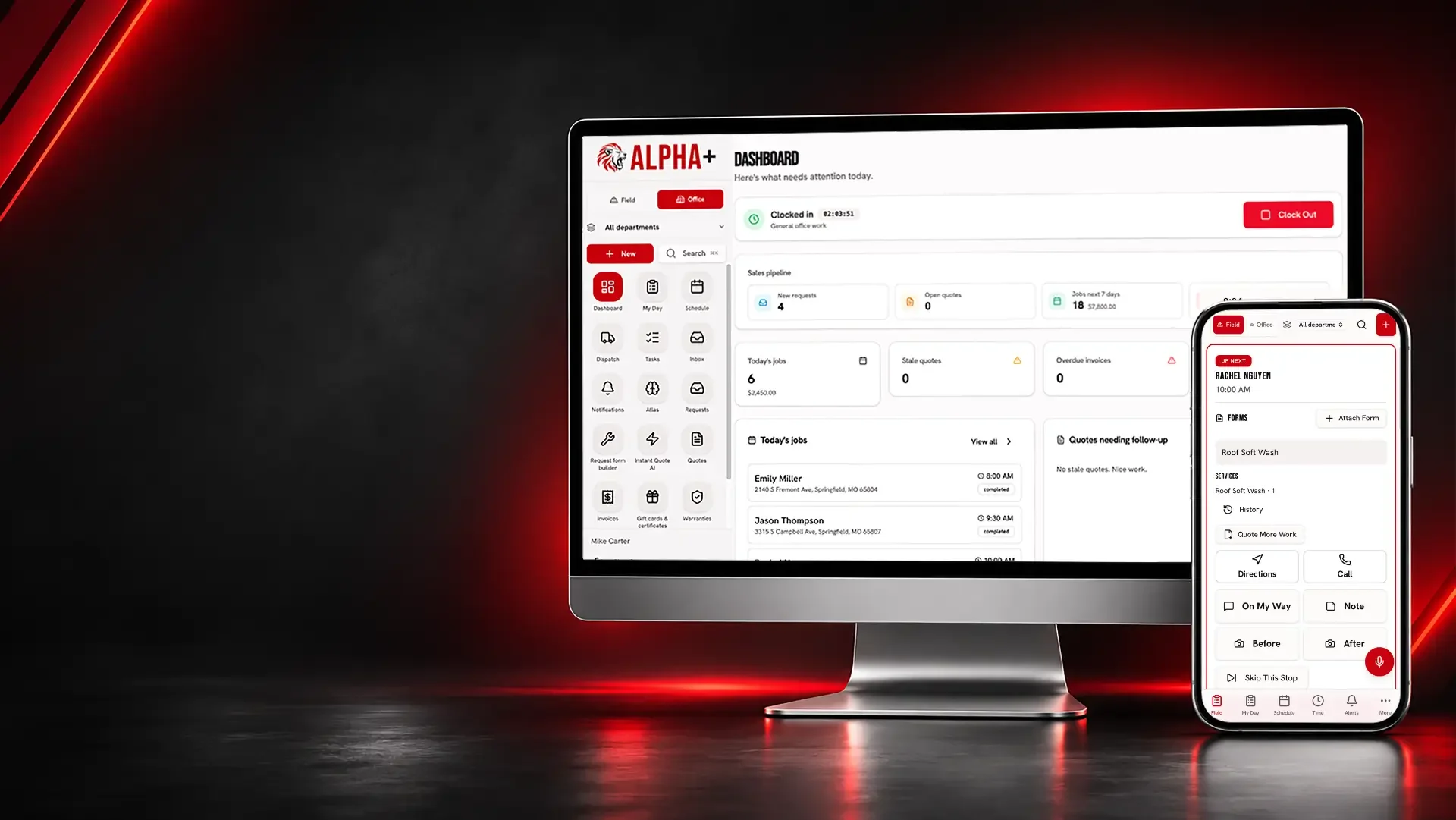
Keep contracting estimates, site addresses, crew visits and recorded job expenses together for your service work and smaller construction jobs.
Preparation, installation and cleanup often involve different conversations. A shared quote and visit record helps keep field work aligned with what the customer reviewed.
Construction and Contracting
Make the work packages visible before the customer approves.
Quote site preparation, installation and cleanup as separately described services.
Separate services, attach photos, collect online approval and request a deposit.
Every plan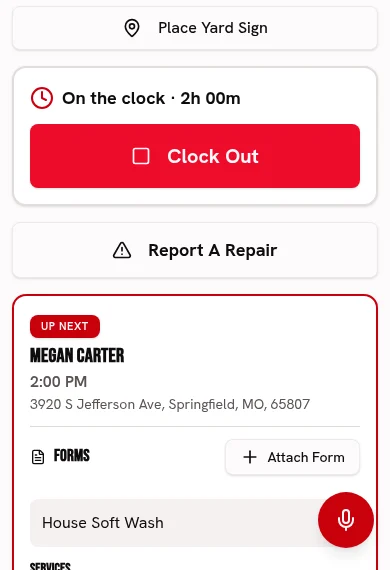
Attach site-condition photos to give the scope a visual reference.
Keep before-and-after photos and checked-off work with each visit.
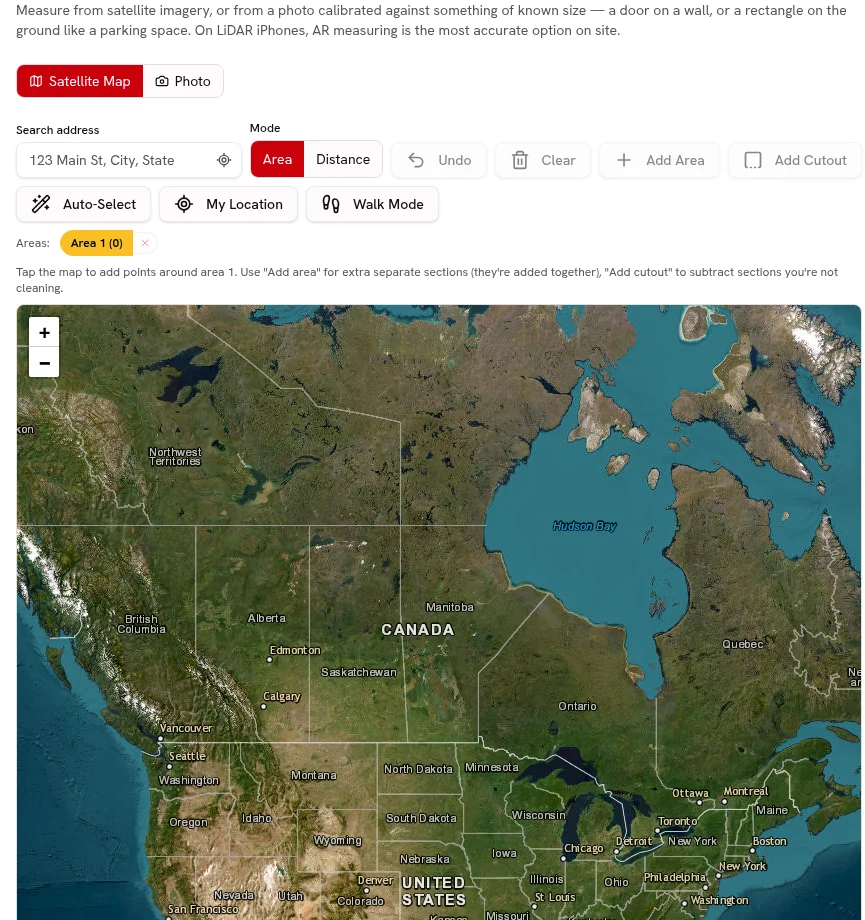
Every planUse map area or distance for site context, not a drawing-based construction takeoff.
Measure area and distance on satellite imagery for your estimate.
Every planStart your Catalog with site preparation, installation and cleanup; review the suggested guide ranges and confirm your own prices before quoting.
Choose from 21 trade packs with customer-friendly services, units, add-ons and relevant tool links. Suggested ranges are guides; the owner must confirm prices before quoting.
Every plan · Linked tools retain their plan requirementsBring in contracting work packages and pricing units from CSV or Excel, preview the column matches and avoid creating duplicate services.
Preview and match service-list columns, including Jobber and Housecall Pro exports. Avoid duplicate services and confirm your prices before quoting.
Every planConstruction and Contracting
Show the contracting work your team actually completes.
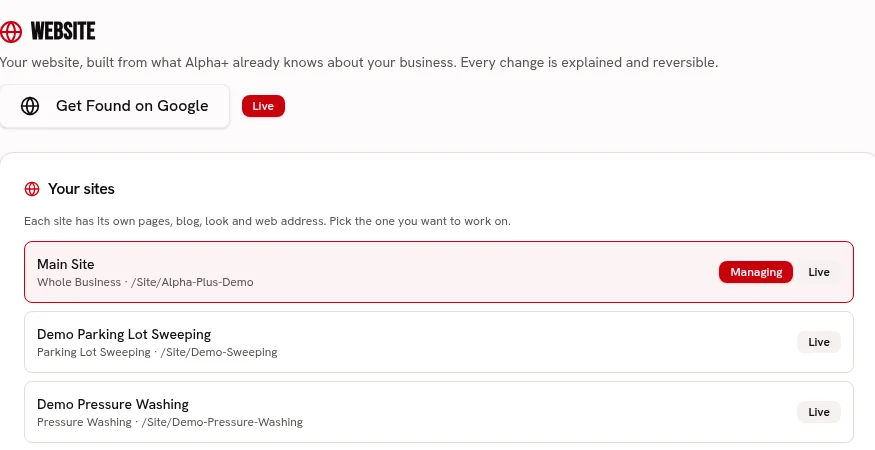
Create service pages for your real construction and contracting specialties.
Build service pages with your logo, colors, fonts, job photos and voice.
Every planUse permissioned completed-job photos with your own logo and colors.
Keep before-and-after photos and checked-off work with each visit.
Every plan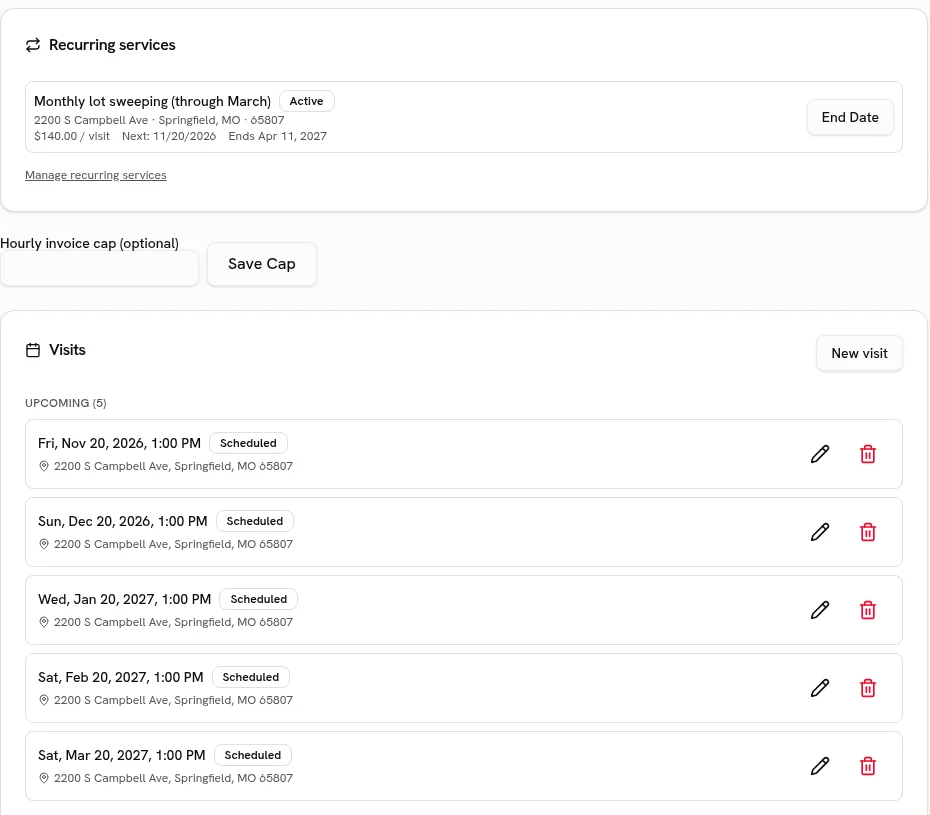
Keep returning clients’ job history and service properties available.
Keep service addresses, access notes and work history attached to the customer.
Every planConstruction and Contracting
Keep site visits and crews pointed at the same job.
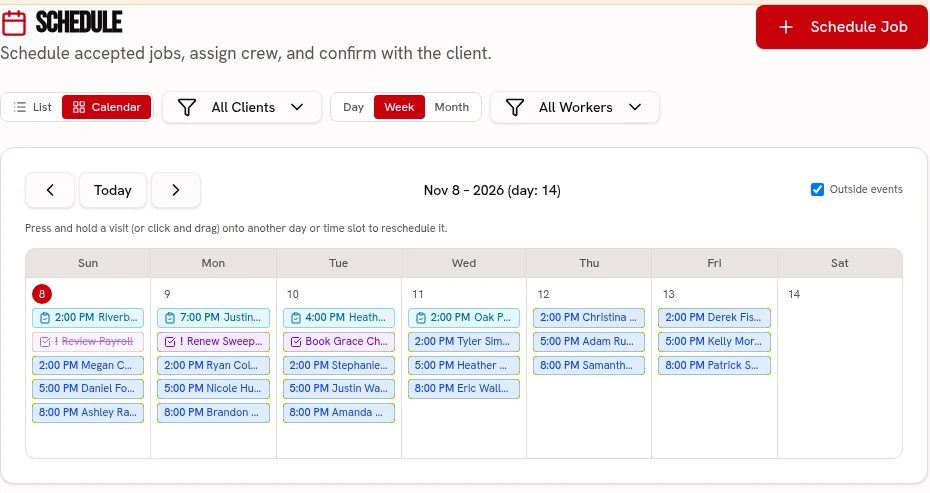
Schedule agreed visits and assign crews and trucks on Crew or Fleet.
Keep visits on one calendar, with crew and truck assignments on the dispatch board.
Scheduling: every plan · Dispatch: Crew & FleetKeep progress photos and job checklists attached to each visit.
Keep before-and-after photos and checked-off work with each visit.
Every planStore site access instructions with the correct service property.
Keep service addresses, access notes and work history attached to the customer.
Every planPut finish allowances, supplier-linked options and client selection deadlines alongside the accepted construction scope.
Show allowance budgets and finish options with photos, prices, supplier links and deadlines. Clients sign in the portal; overages or credits follow scope approval and approved choices stay locked.
Every planUse an editable scored site walkthrough with photos, notes and signatures on Crew or Fleet, not an engineering certification.
Use weighted pass/fail or 1–5 ratings, require a photo and note for failures, and share branded signed reports. Editable templates, repeat schedules and history are included.
Crew & Fleet · Atlas trends: FleetConstruction and Contracting
Review the recorded costs behind the contract price.
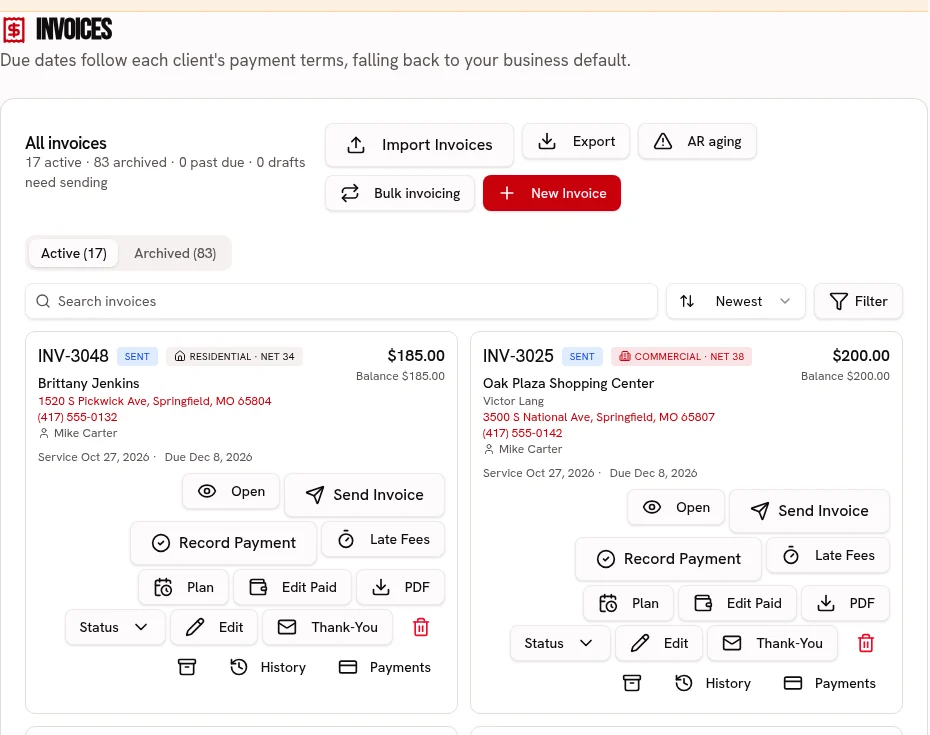
Invoice accepted services with named line items and an online payment link.
Send an invoice link, accept card or ACH, and record cash or checks.
Every plan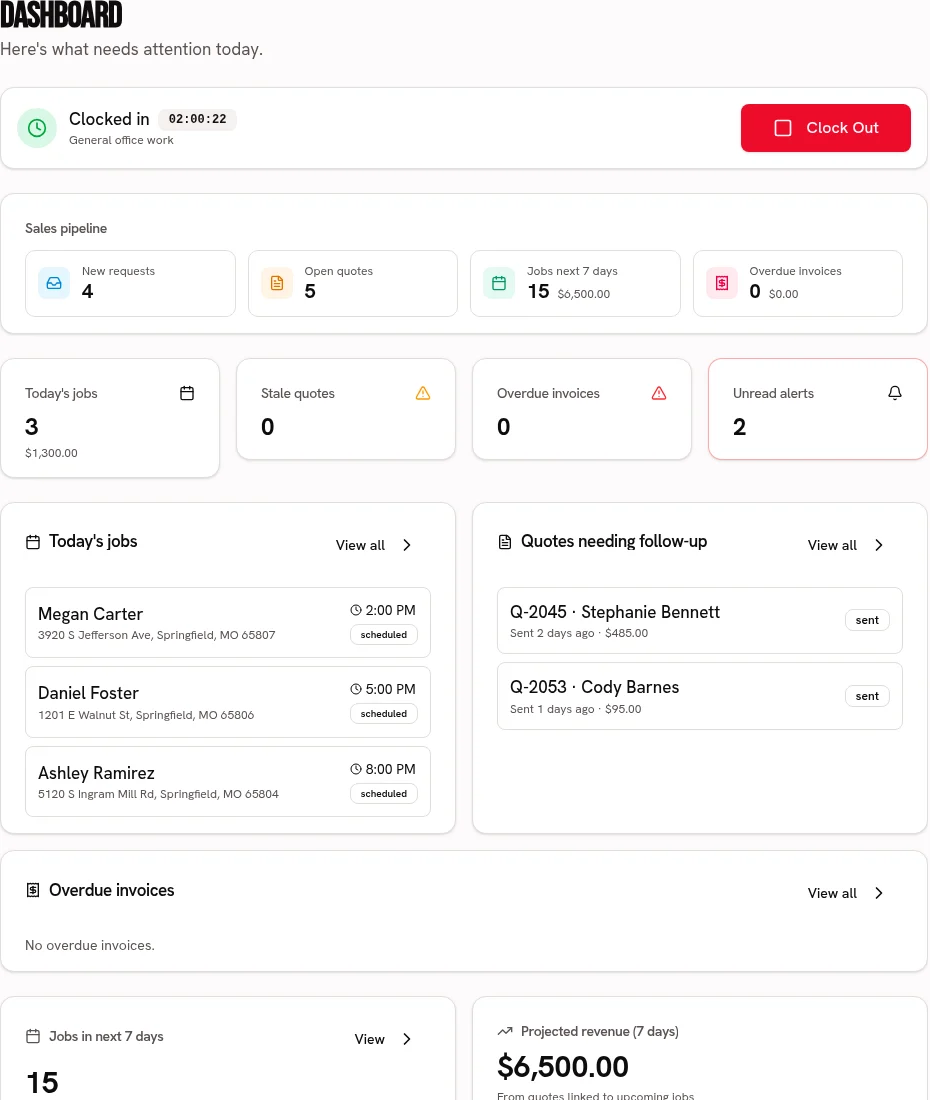
Record materials, rentals and other job expenses for the profit comparison.
Compare job revenue with recorded labor, materials and expenses.
Every plan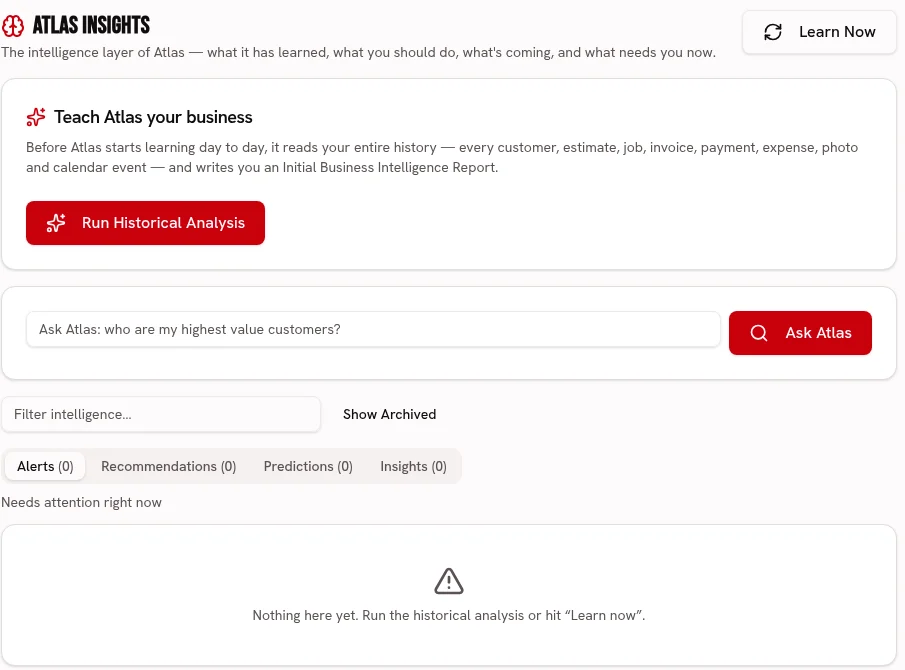
Ask Atlas to review recorded contracting revenue and expenses rather than predict a critical path.
Ask about your business and review recommendations grounded in your business records.
FleetCompare work-package budgets with recorded labor, materials and subcontractor costs, and see projected final cost from your completion percentage.
Compare labor, materials, subcontractor and other budgets with recorded actual costs. Owner-set completion drives projected cost and profit, with category over-budget warnings.
Every plan · Atlas early warnings: FleetInvoice reached contract milestones and track the remaining approved balance; this is not an AIA pay-application or retainage system.
Set deposit, milestone and final payments on the quote. Create each milestone invoice when reached and track billed and paid amounts against approved contract changes.
Every planPut finish allowances, supplier-linked options and client selection deadlines alongside the accepted construction scope.
Every plan
Use an editable scored site walkthrough with photos, notes and signatures on Crew or Fleet, not an engineering certification.
Crew & Fleet · Atlas trends: Fleet
Compare work-package budgets with recorded labor, materials and subcontractor costs, and see projected final cost from your completion percentage.
Every plan · Atlas early warnings: Fleet
Invoice reached contract milestones and track the remaining approved balance; this is not an AIA pay-application or retainage system.
Every plan
Build a price-ready service list for site preparation, installation and cleanup, with the owner approving every imported price.
Every plan · Linked tools retain their plan requirements
Start your 30 day free trial, or try Alpha+ for yourself.